

Better late than never, as they say, but lately, I've been finding myself scrambling to find ways to keep my eyes safe from the harsh glare of the blue light that's, well, pretty much everywhere. Whether that's by wearing specialised glasses when I'm working at my desk or finding actual gadgets that remove blue light altogether, protecting my eyes is something I really should've been doing as a kid, but alas, even back then, there were far too many books to read in not-so-ample daylight and far too many gaming screens to glue my eyes to.
Boox has been a helpful companion of late thanks to its paper-like screens and e-ink displays, and I've been fortunate enough to enjoy them for gaming too, believe it or not. The latest gizmo they have on offer is the Boox Note Air6 C, and contrary to the Note Max and the Palma 2, it's got a full-colour screen to flex. But is it a nifty addition to an otherwise already perfect invention, or a nice-to-have that I don't really need?
What's in the Boox box?
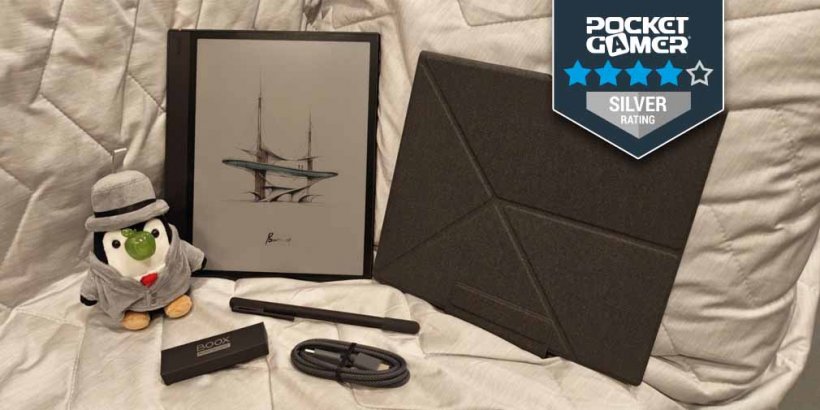
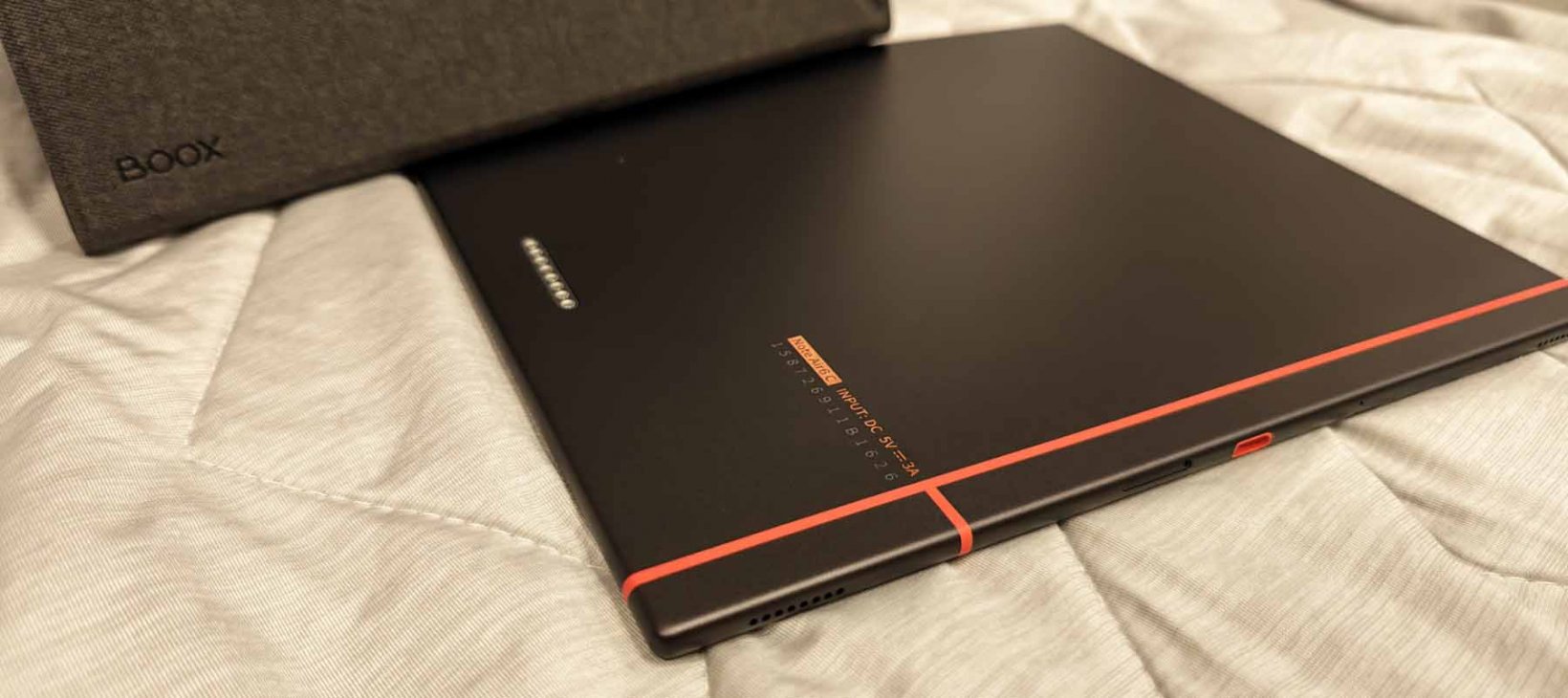
While not as heavy as the massive Note Max for obvious reasons, the Boox Note Air6 C is still a hefty boi at around 440g. It comes with a USB-C cable, a card tray eject pin, and an upgraded stylus that doesn't need a battery or any kind of charging, which is a godsend. It's always annoying when you have to charge bits and bobs just to get peripherals to work when you really need them, so having a pressure-sensitive stylus that functions like an actual pen already adds points in my book.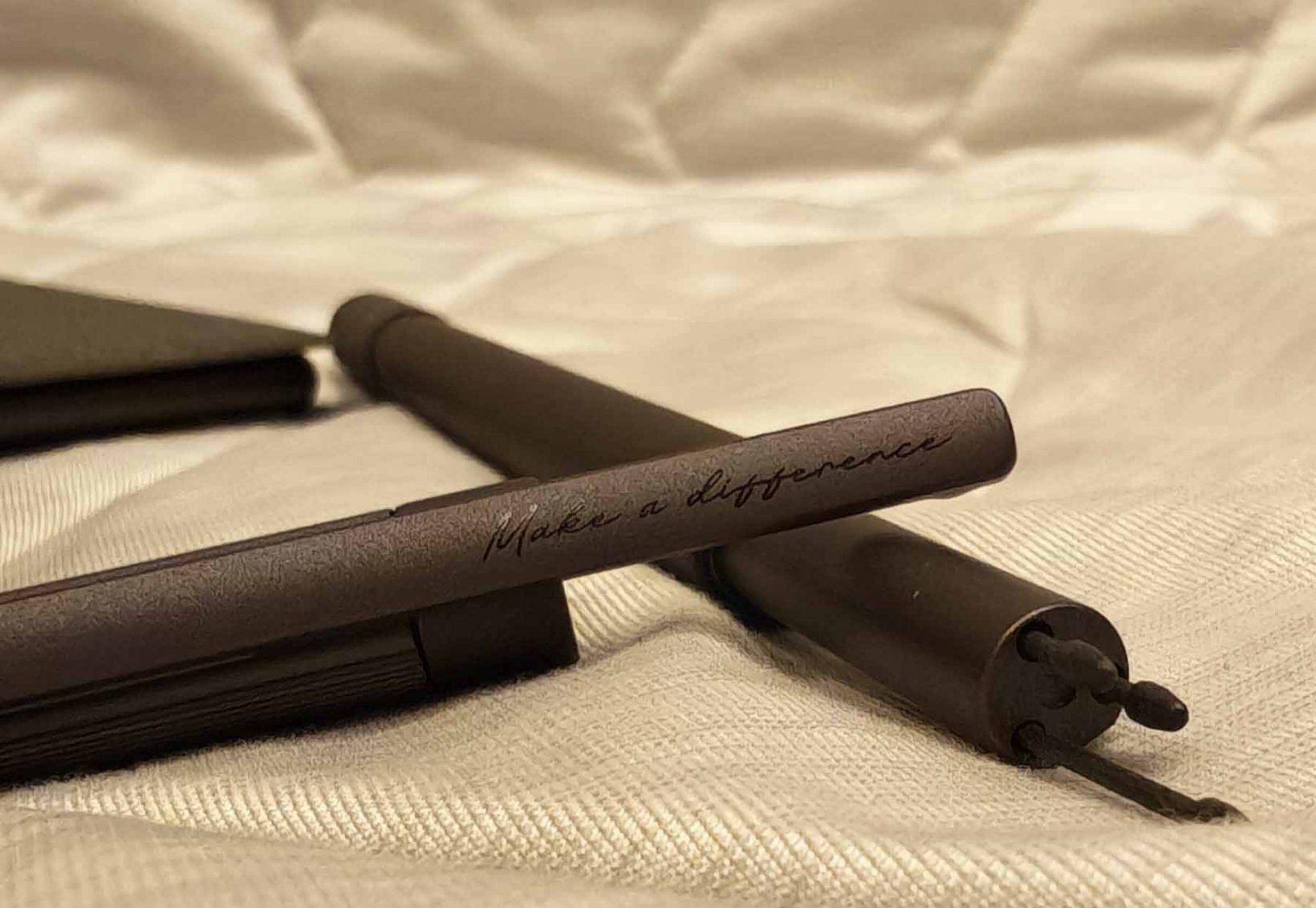
At an eye-watering $579.99, however, you're understandably expecting to get your money's worth. And given the 10.3" Kaleido 3 screen's 4,096 colours, you really are, in a way - if colour is really important to you (more on this later).
What I do love about this new upgrade is obviously the more robust performance with the 6GB RAM and 64GB ROM on Android 16, which means you can still download virtually anything you want with Google Play pre-installed. There's fingerprint recognition on the power button too, plus a microSD Card Slot if you ever need to expand your memory. And while I don't really see myself using the built-in mic here, it's nice to know it's there.
Gaming where I'm not supposed to game
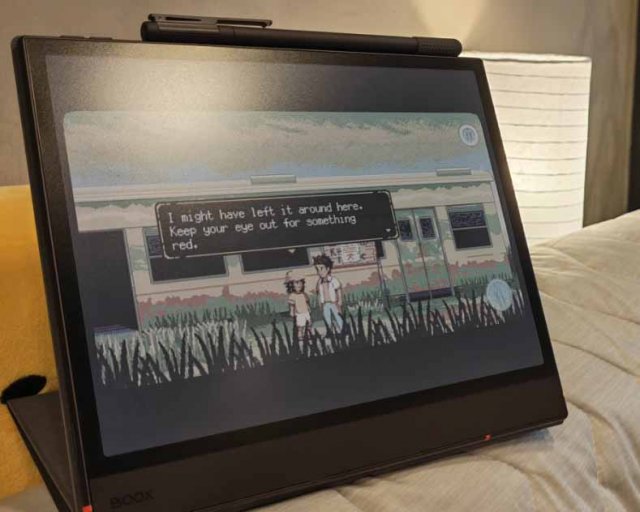
Now, if, like me, you'll be gaming with the Boox Note Air6 C rather unconventionally, the 3,700mAh battery might feel a tad underwhelming. But to be honest, the only games that'll be serviceable, as you might expect, are the ones that don't take up too much of your battery life anyway, so for me, it's more than enough.And by this, I mean that A Space for the Unbound, Coffee Talk, and Wish Upon A Cat - all fantastic point-and-click adventures, by the way - don't really need that much power when they're running. And because this is essentially still an e-reader despite its fancy new colours, the refresh rate isn't exactly ideal for fast-paced gaming (although I did somehow manage to play Metal Slug Rush without getting a headache - such is the magic of the Boox Super Refresh Technology).
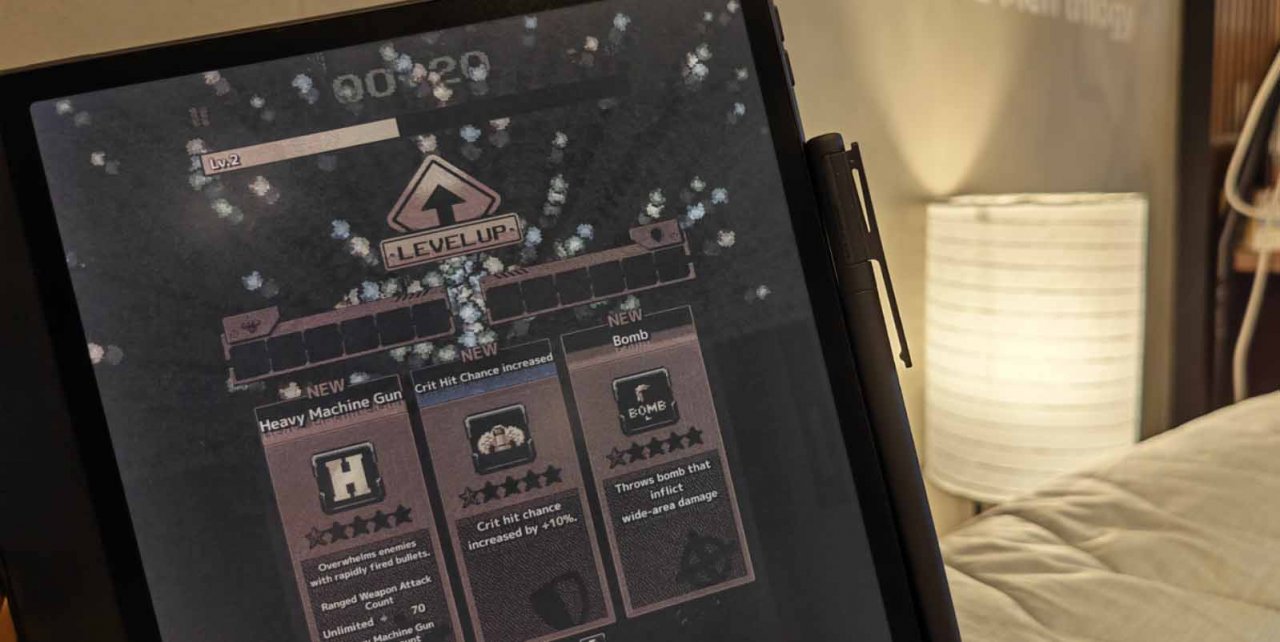
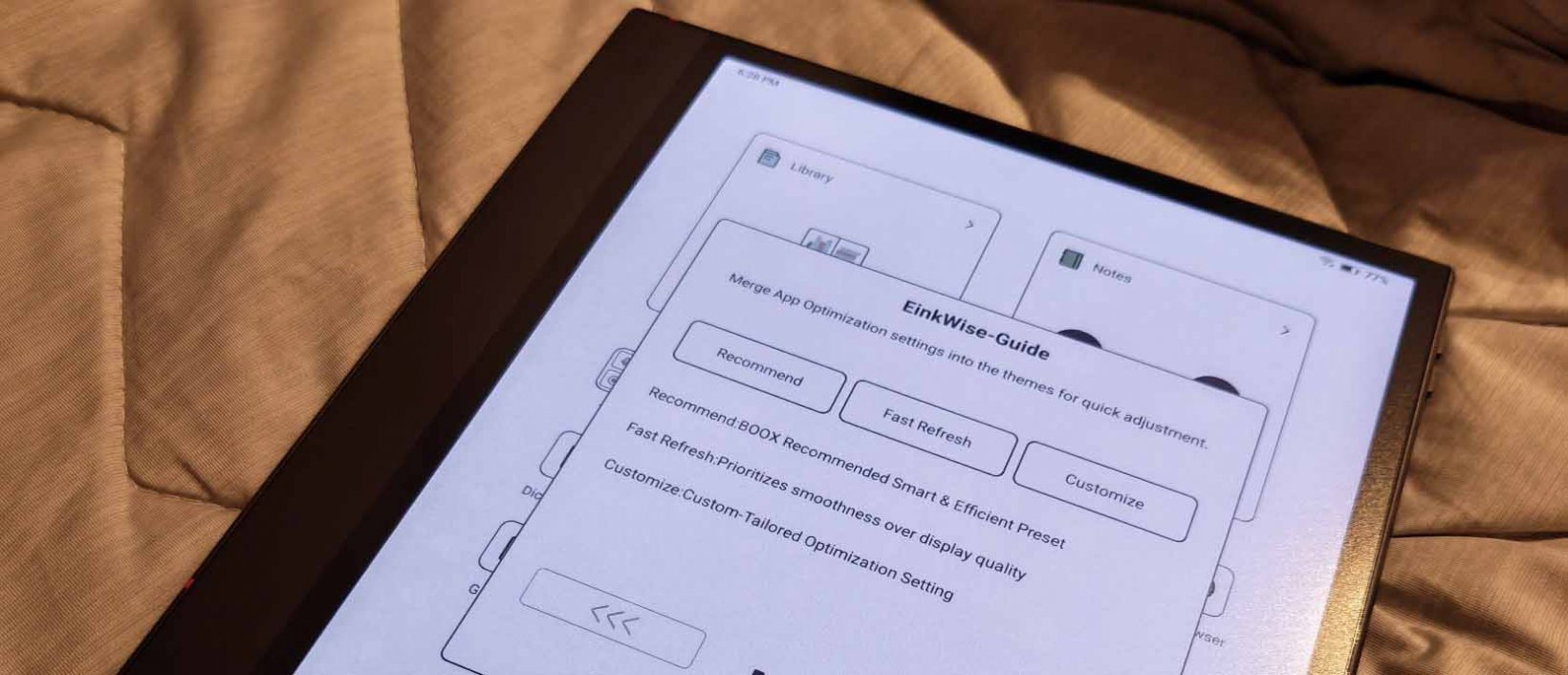
When it comes to ghosting while playing, I noticed a huge improvement over the Note Max. But if you're still looking to refresh everything at a much quicker pace, you can easily toggle the adjustment panels on the Boox EinkWise menu. I personally felt like the defaults were enough for basic tasks (except maybe the DPI in the Layout panel), but whether or not the Note Air6 C will work for you will depend on how well you customise the screen to your liking.
And herein lies the main issue with these types of devices - you really, really need to spend time tinkering around with the settings to match your very specific use case. I appreciate Boox trying to simplify preset sliders, and I've been fortunate enough to find the right preference for myself thanks to the previous models I've had. But the learning curve is still pretty steep, and if you don't find the perfect setting for you, you might just chuck your tablet out the window in frustration (please don't).
Painting the town red…or not
Once you do find the right customisations, you'll have a much easier time navigating through the Note Air6 C. But for me, my main issue isn't really the navigation - it's more the colours themselves.I suppose it's because I'm using an e-ink device mainly so I can see the world in black and white. I've mentioned in my previous Boox reviews that these devices have made me discover an entirely new way to relax my eyes with my meditative games, but having colours, despite being muted, sort of contradicts all that. Instead of relaxing me, the colours actually made my eyes and my head hurt after a while, which defeats the purpose of having an e-ink tablet (for me) entirely.
I do wonder if it's a case of my brain not knowing how to process the lack-of-colour-but-not-quite. I guess for me, because I use my e-ink tablet to play games, I want it to be completely in monochrome, or I might as well use a regular tablet instead.
Now, I do appreciate the presence of a front light here to make the tablet usable even in dim lighting conditions - something the Note Max struggled with. It's also pretty handy to have cool and warm adjustments for the screen. But again, the colours just don't do it for me, and they make the tablet less eye-soothing than I'd like it to be.
At the end of the day…
For note-taking, of course, the Note Air6 C still excels, especially with its pen. It's a little bit too easy to misplace the cap - not to mention accidentally popping off the cover for the extra pen tips - but I just need to be more careful with it, I suppose. I also found the volume rocker to be a tad glitchy, as sometimes it won't work at all. But if you'll mainly be using the Boox Note Air6 C to read, write, or even get some work done, it does a bang-up job of helping you stay productive while protecting your eyes at the same time.Boox Note Air6 C review - "Now in full colour, for better or worse"
The Boox Note Air6 C is a fantastic upgrade for Boox's line of e-ink tablets with faster performance, better refresh, and a front-light-enabled screen. The colours themselves aren't exactly a hit for me and my very specific use case, but if you're not fussed about muted colours and, in fact, prefer to have them over black and white, then you can't go wrong with this one.


Catherine Dellosa
Catherine plays video games for a living and writes because she’s in love with words. Her Young Adult contemporary novel, For The Win: The Not-So-Epic Quest Of A Non-Playable Character, is her third book published by Penguin Random House SEA - a poignant love letter to gamer geeks, mythological creatures, teenage heartbreak, and everything in between.
She one day hopes to soar the skies as a superhero, but for now, she strongly believes in saving lives through her works in fiction. Check out her books at bit.ly/catherinedellosabooks, or follow her on FB/IG/Twitter at @thenoobwife.