

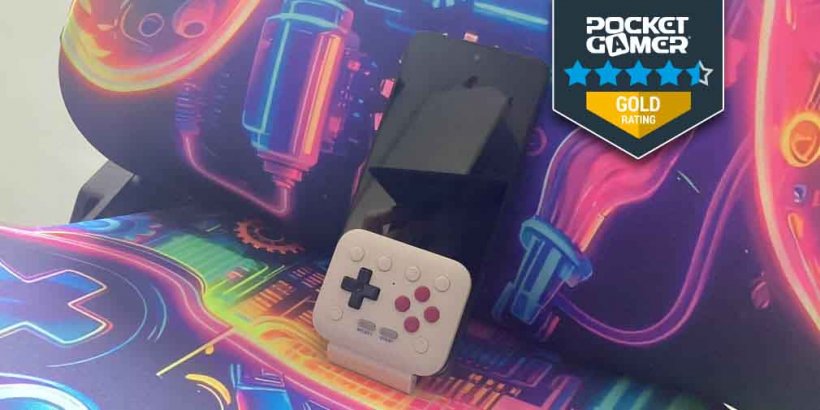
- Transform your mobile into a proper gaming device with FlipPad!
- Bring the classic controller scheme to games old and new
- Slide it in and start tapping buttons to emulate games or dominate apps
As we barrel into an uncertain future and adjust plans almost daily, we end up spending more time looking back. This isn't just because we crave nostalgia or remember simpler times, but because things were easier to understand. It was a time when we could be given something brand new and just know how it worked through intuition. Some of the most widely used professional equipment is analogue for a reason: it endures and still delivers some of the crispiest, purest results.
That's why we admire companies like 8BitDo that are bringing that analogue technology into the modern age of gaming, and the FlipPad is proof of that.
What is the FlipPad?
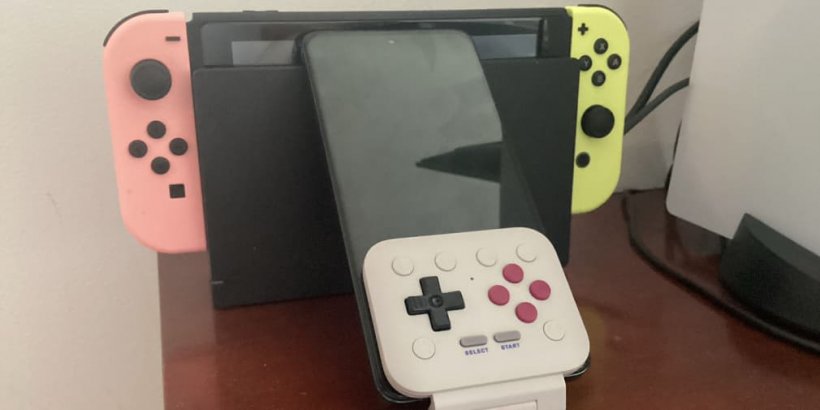
The name is an obvious joke, but FlipPad may be ambiguous enough that you'll have to look a little closer. To get right to it, the FlipPad is an accessory for your mobile device (specifically, for iOS 26.2 and Android 13.0 onward) that attaches via the charging port. The accessory is a controller that emulates a mix of NES/SNES/Game Boy buttons, so you can play related titles from those consoles or apps designed to behave similarly. It runs entirely on your device, needs no extra software, and automatically adjusts to whatever's running on your phone. You could say that it aims to flip the script on mobile gaming, eh?
Flip Up with FlipPad
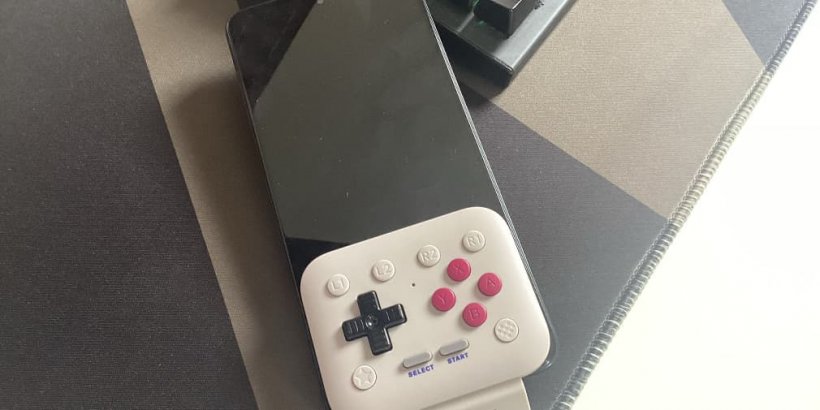
When designing an accessory meant to enhance your mobile device, the first thing you want to consider is convenience. Will this thing that I'm about to attach to my phone turn it into a 1980s communication device that can't even fit in a backpack? If not, then you're already in a decent place, and FlipPad is in a really good place. The pad is small enough to fit within most mobile devices, and flipping it onto the screen lets it take up even less space, so you can still slide your phone neatly into your pocket.
Next, and possibly just as important, is adaptability. Does the accessory integrate quickly into the main device without extra programs or tools? The FlipPad's answer is a definite yes. The moment you plug it in, it powers on and is ready to go as soon as you launch whatever app you want. It replaces the bottom half of the touchscreen and can be flipped down if you want to use your phone regularly. It automatically assigns functions to its buttons that, more often than not, make the most sense, and it doesn't take long to figure out how the controls are mapped out so that you can take control.
Finally, for a controller, we need to wonder how it actually controls. You can have the fanciest, most high-end piece of hardware in existence, but if it doesn't provide good feedback, it may as well be a very expensive piece of plastic. Not only is the FlipPad fairly cost-effective, but it feels good to use. There's a reason it's made to turn your phone into a Game Boy… because it's fun and easy to use. Whether you're using emulators to play classic ROMs or checking out indie itch.io games designed to feel like Game Boy games, the FlipPad is ready to take on all of them and let you play them whenever one wistfully floats across your screen.
On the flip side of FlipPad
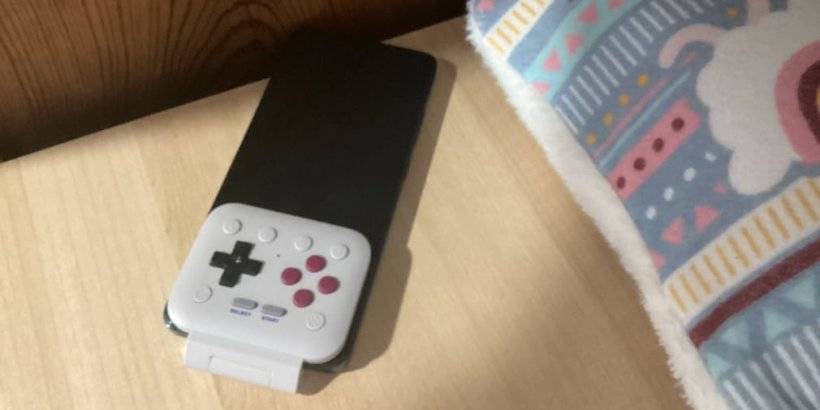
Like every controller that has ever existed (except arguably every Game Boy, DS, and GameCube one), the FlipPad isn't perfect. One such imperfection is simply the fit. Unfortunately, the FlipPad doesn't fit snugly and almost requires you to remove your protective casing to use it. Yes, in theory, you can plug it in through the protective casing, but the result is a flimsy connection that can disconnect and fall to the ground at the slightest disturbance. Thankfully, the FlipPad seems to be made of Nokia-era plastic, so it should survive the occasional vertical journey.
The biggest splotch of imperfect ink on what's a fairly well-written love letter is the apps themselves. Emulators and itch.io titles are recommended for a reason: because they're made to occupy the part of the screen that isn't blocked by the FlipPad. But so many apps, even retro-style ones, default to landscape with no portrait setting, which essentially nullifies the FlipPad's functionality. So, if you're planning to turn your mobile into a Game Boy with FlipPad, research the apps you want to play. The good news is that all those emulator titles default to Game Boy screen layouts, and isn't that all that really matters?
Flipping out over FlipPad
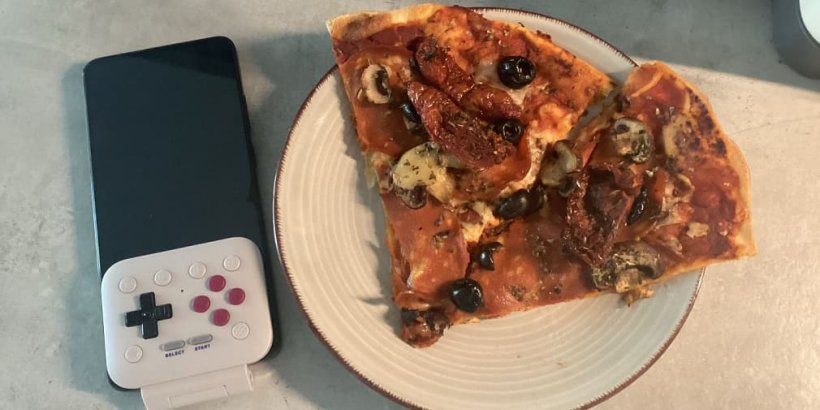
The FlipPad by 8BitDo may be the greatest thing that the company has ever made, which could be a problem in the future. They've set the bar so high that now they've got to step up and stretch past it to try to touch the moon. They struck a fair amount of shiny rock with their N64-style Bluetooth controller, but the FlipPad has so much more convenience, nostalgia power, and slickness that it's almost in a different league. So, if you've lost track of your old portable gaming device, slap the FlipPad onto your mobile, download the games of that era, and have a flippin' good time.
FlipPad review - "Game Boy is mobile now"
The FlipPad is a small, sleek, sharp, and convenient mobile accessory that brings old-school gaming control to the mobile gaming market.


Will Quick
Will Quick is a travelling writer currently dedicating his time to writing about the games he spends his free time playing. He's always on the lookout for the smaller and stranger of the bunch so he can shine a light on them.