


- The Boox Note Max features a huge e-ink screen with flicker-free features
- Productivity and gaming performance are on point
- Needs a great deal of customisation with a steep learning curve
Whether it's simply because of the inevitable passing of time or the years of playing games into the wee hours of the night, my eyesight just isn't what it used to be - and that's coming from someone who's already had fancy laser eye surgery after suffering from severe nearsightedness (or high myopia, if you want to be fancy about it) since kindergarten.
So I suppose it comes as no surprise that I'm always trying to look for ways to give my often neglected eyes some well-deserved TLC, but even with that, I'm a total latecomer to the world of e-ink devices. If it hadn't been for the Boox Palma 2, I never would've known what it's like to give my eyes a break - and with the Boox Note Max this time around, that's never been more evident.
Table of contents:
Boox Note Max design and hardware
Of course, I've also been wearing Gunnar's handy anti-blue light glasses to help with the eye strain (I'm working on a new review on that coming soon, too), but with my issues with the wired frames digging into my temples, it's not the most feasible solution for long hours. Thankfully, a device that does away with blue light altogether solves that, and with a 13.3'' monochrome e-ink tablet, the size of the screen is a pro rather than a con in that aspect.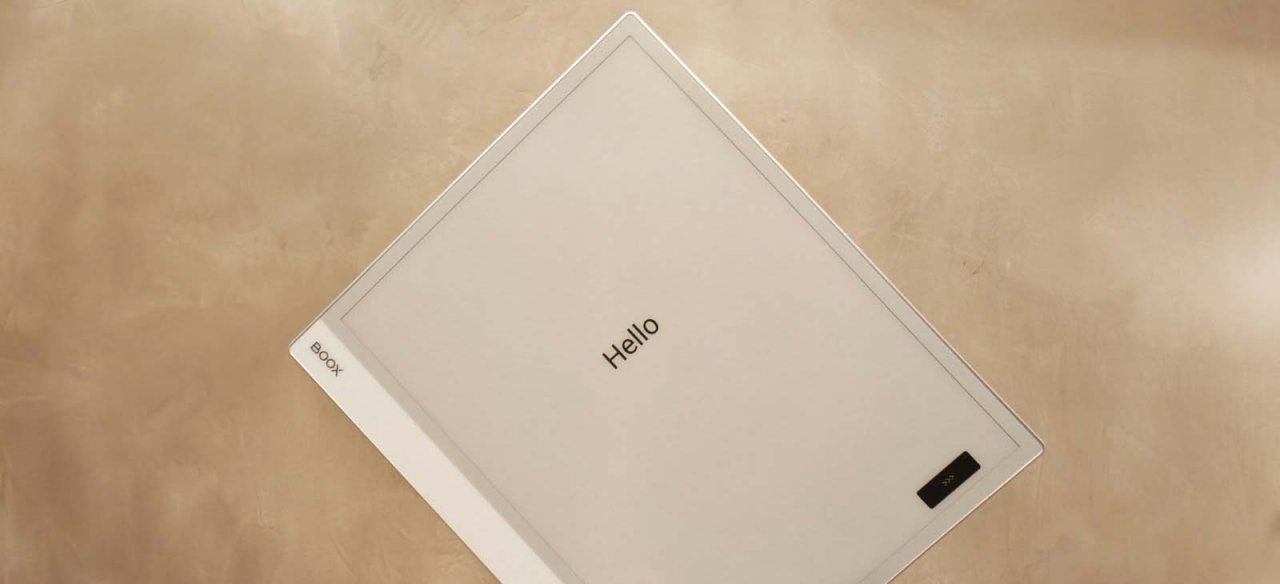
Given the nature of e-ink technology, there's no migraine-inducing glare to struggle with here - the screen is, essentially, like paper, and I absolutely love how muted the world feels because of it. Even right out of the box, it already looks and feels gorgeously premium at a mere 4.6mm thickness, and while it weighs in at 615g, I think it's still quite reasonable given its sturdy build and size.
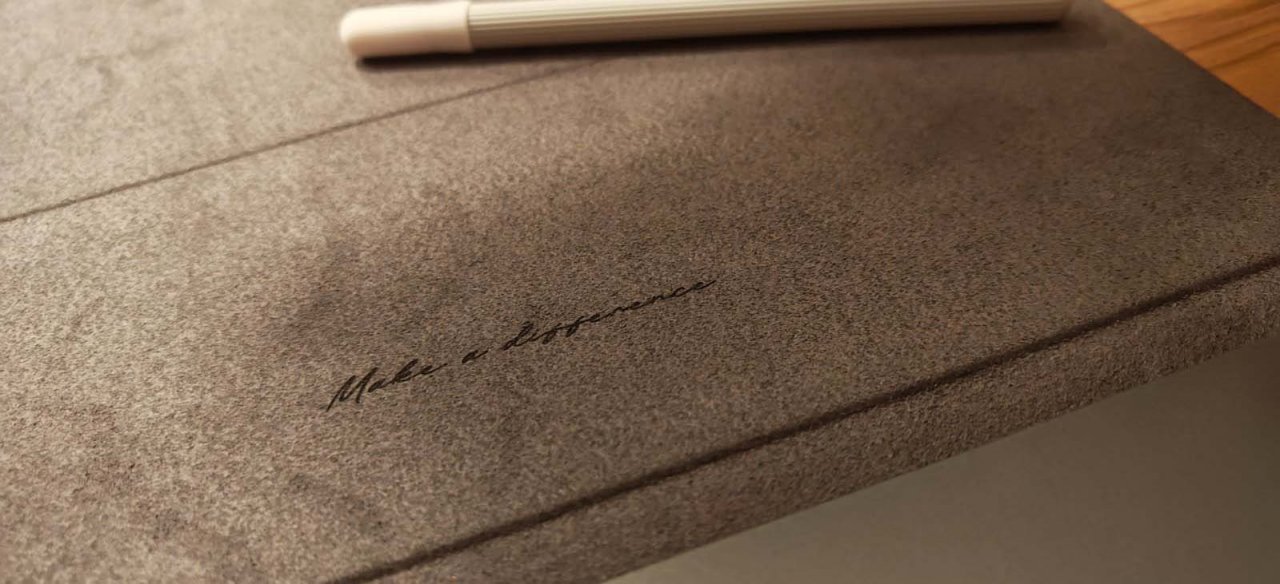
And it truly is a sizable beast, to be honest. I was pleasantly surprised at how big the screen actually is when I slipped it oh-so-carefully out of its packaging, which is a beauty in itself, by the way. There's a magnetic flip case and a stylus too, along with a magnetic keyboard attachment, which honestly elevates its productivity to a whole new level - so much so that it can fully replace my clunky laptop for most of my day-to-day tasks.
Experience and performance
If that comes as a bit of a surprise to you, you're probably not alone - who would be mad enough, after all, to use an e-ink tablet as a work laptop or - heaven forbid - a gaming device (turns out to be me, apparently)? But I kid you not: once you've gone e-ink, you can't go back - at least, if your eye strain is as bad as mine.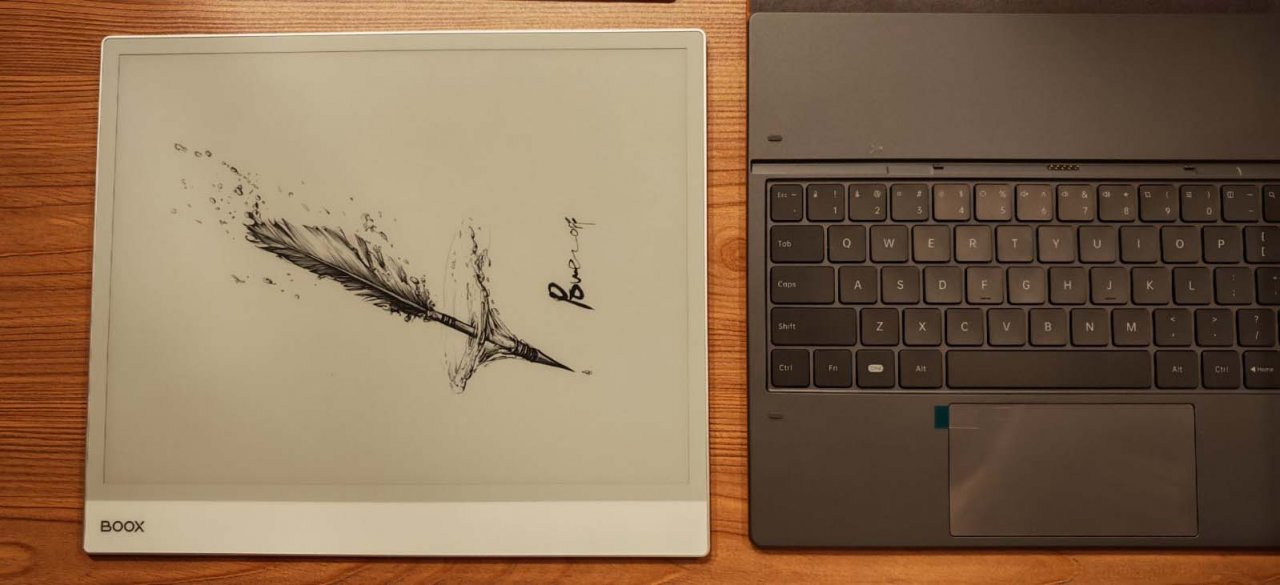
Here's the thing - at 6GB + 128GB, the Boox Note Max can pretty much do most administrative tasks without a hitch, and because of its screen, the 3700mAh battery can chug along well enough to carry you through without having to juice it up every now and then. That alone makes portability an absolute breeze despite its size, and with it running on Android 13 with Google Play pre-installed, the possibilities are endless.
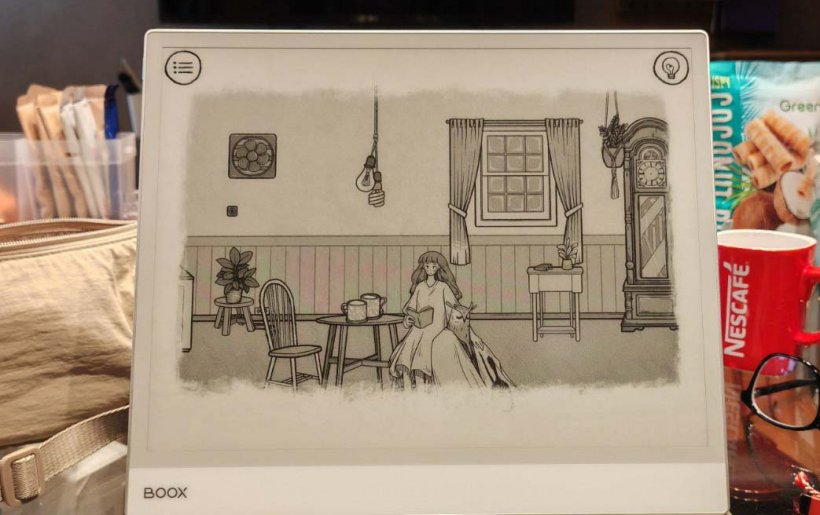
The first thing I did, though, was to go full chaos agent and install a bunch of games onto the tab, and unsurprisingly, I was able to enjoy the feel-good vibes of Cats & Soup fully. I've said it before with the Palma 2, but it bears repeating - the absence of colour makes everything softer, gentler, and cosier, which is precisely what these kinds of genres are for.
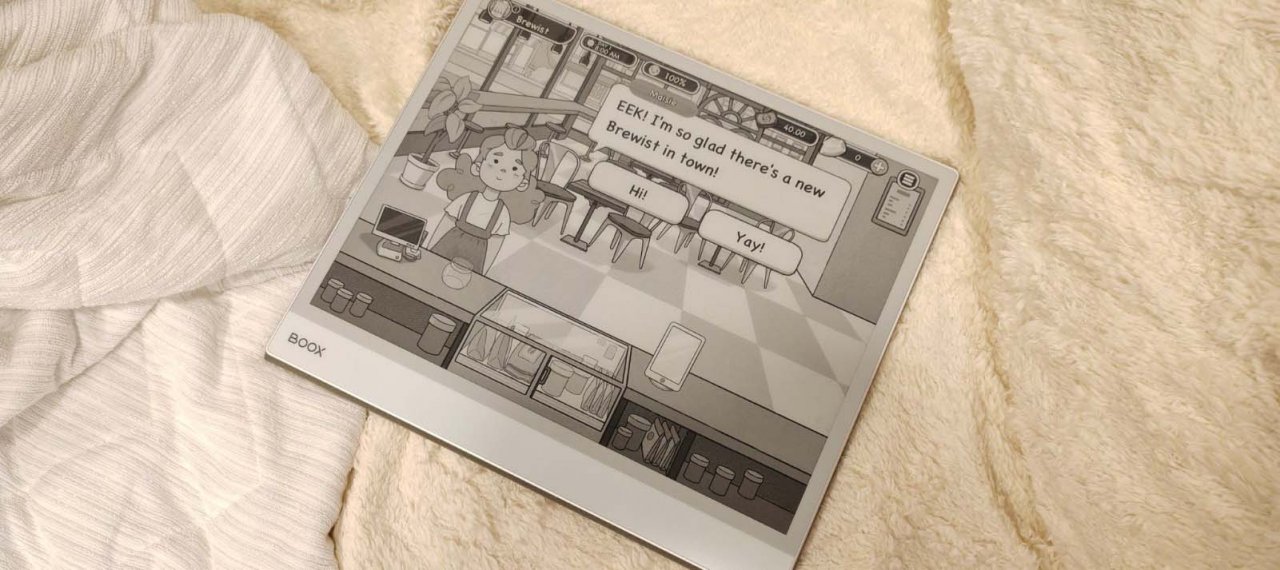
I found that the hand-drawn visuals of When the Past Was Around were more evocative this way, as well as the chill brews of Good Coffee, Great Coffee. Don't make the mistake of trying to play Dadish 4 here, though - anything that moves the screen around too much will leave you with the ghosts of clicks past, which is probably my only main gripe with e-ink tech.
What's The Verdict?
Ah, ghosting - the product of poor refresh rates and the price you have to pay for getting rid of all the nasty flickering. The thing is, you do have to get into this expecting the ghosting to happen - you can't have the best of both worlds here, so you either prioritise the refreshes or deal with the ghosts that linger long after you've made that last tap.The thing is, Boox offers a useful workaround depending on your use case with the EinkWise feature, where you can customise colour modes and DPIs to your liking for every individual app. That's a great deal of control right there, as I've set mine to offer different views for Google Drive, Chrome, and games painstakingly so I can get the most out of my device.
The problem is that not everyone's going to be patient enough to customise all the sliders for every single app, which makes for an incredibly steep learning curve. Leaving everything to their default settings might make you want to chuck your device out the window in frustration, because without proper personalisation, you'll find that the Boox Note Max might not be worth its hefty price tag of $599.99.
I suppose that's the main problem with e-ink - it's certainly not for everyone, and you'll really have to fiddle with a whole mess of bits and bobs just to get everything working the way it should. It definitely takes some getting used to, even with the bit of delay you get when typing with the keyboard accessory.
Plus, there's no front light here, so, just like you would with paper, you need to be working or gaming under good lighting conditions to even see what the heck you're doing. That's vastly different from the Palma 2, which does have adjustable front lighting, so if you're looking to give this e-ink tech a go, you'd best be prepared to go all in.
In the end, there's not much I can criticise about the Boox Note Max, but that's simply because I've already found what I want to do with it, and I'm willing to tinker around with its many, many, many settings to maximise its usefulness for me. I've also already had the Palma 2 as a bit of an introductory gadget to ease me into the world of e-ink, so I'd say grab the Note Max if you're in a similar boat.
If you're a total beginner and simply don't have the patience to figure out complicated settings and whatnot, this might not be the investment for you. But if you're willing to see just how you can keep your eyes safe while playing a very specific genre of mobile adventures, then this is an absolute must-have - your eyes deserve it, after all.
Boox Note Max review - "Top-notch productivity and gaming without the eye strain"
The Boox Note Max is a banger of a tablet that offers comfortable e-ink tech with full productivity options and fantastic gaming performance for a specific genre. The steep learning curve and price might be turn-offs, though, so think long and hard about whether or not you're willing to go through a paradigm shift before committing to the investment.


Catherine Dellosa
Catherine plays video games for a living and writes because she’s in love with words. Her Young Adult contemporary novel, For The Win: The Not-So-Epic Quest Of A Non-Playable Character, is her third book published by Penguin Random House SEA - a poignant love letter to gamer geeks, mythological creatures, teenage heartbreak, and everything in between.
She one day hopes to soar the skies as a superhero, but for now, she strongly believes in saving lives through her works in fiction. Check out her books at bit.ly/catherinedellosabooks, or follow her on FB/IG/Twitter at @thenoobwife.