How to add friends in Cookie Run: OvenSmash
Adding your pals is a little trickier than you might think, so we're here to teach you how to add friends in Cookie Run: OvenSmash so you can get into battle quicker.
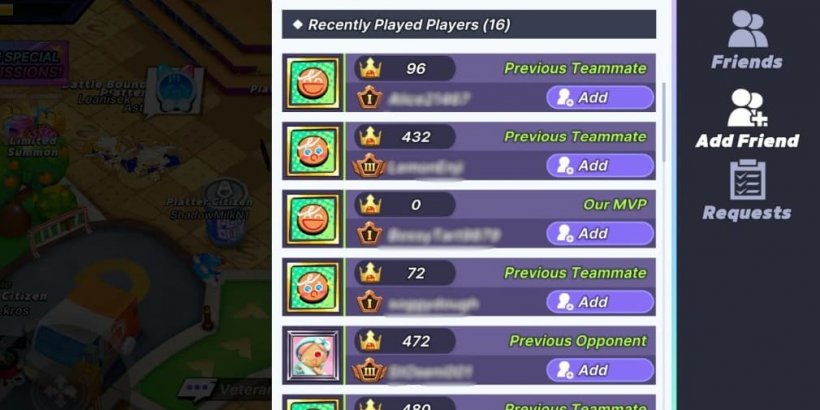
Picture this: you started playing Cookie Run: OvenSmash with your buddy, and you want to team up to stomp the opponent... there's just a little problem. You don't know how to do that! So, how do you add friends in Cookie Run: OvenSmash? That's what I'm here to uncover.
I happened to run into this tiny little problem when I started playing Cookie Run: OvenSmash, and it got me thinking - if I cannot find this option (even though it was literally in front of me), chances are some other players might wonder, too.
How to add friends in Cookie Run: OvenSmash?
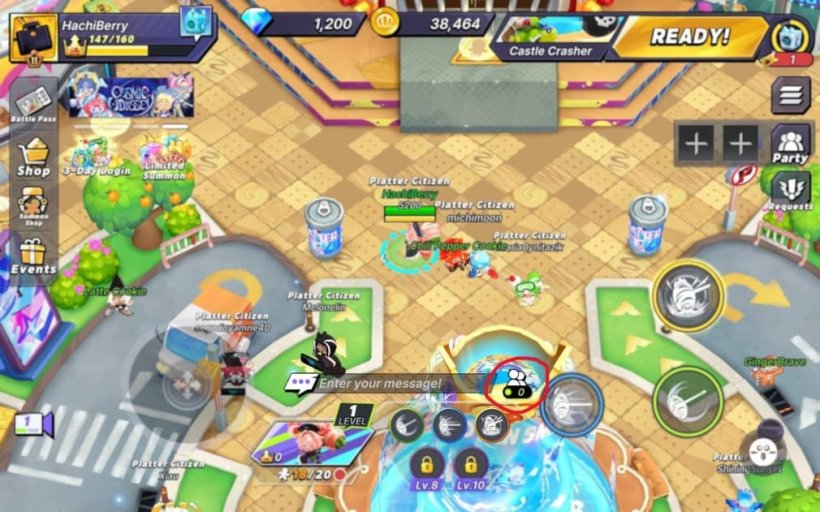
The option to add new friends is a little bit counterintuitive - there is a button on the right side of the screen that reads "Party", and you might think you can add a friend from there. Well, that's wrong. That's how you create a party (but I will go into more detail below).To add a friend, you have to open the icon that appears while you're in the Plaza (main interface), right next to the chat. That's your Friends menu - and you can see it in the image below.
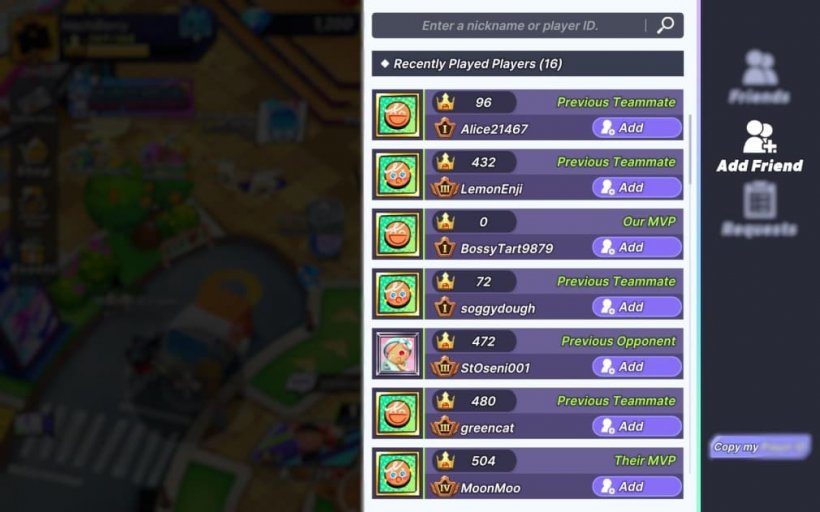
You can add a friend if you type in their nickname or player ID in the bar at the top of the screen. You can also add the players you've played with (or against) if you open the Add Friend tab.
- Make sure you claim the latest Cookie Run: OvenSmash codes, and take a look at the complete CROS tier list!
How to create a party in Cookie Run: OvenSmash?
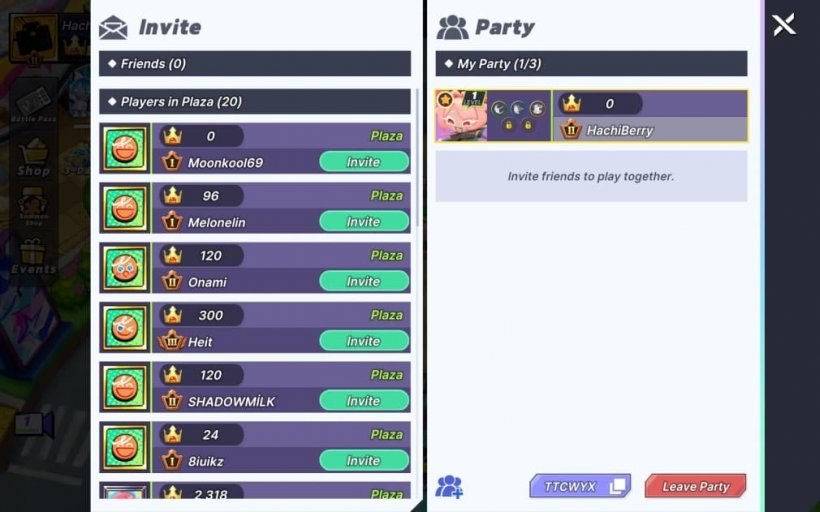
The party can be made up of up to three players. You can go to the Party tab and press the "Create Party" button to make your own party, where you will be in charge of queueing up. If you press the "Join" button, you can type in the Party Code to join a friend's party.Each party has a unique code, and to share it with your friends (or players you want to team up with), you can either copy it from the bottom side of the screen (once the party has been created) or just type it out.