How to Pre-Download Monster Hunter Outlanders
Can't wait to explore the world of Aesoland tomorrow? We've got the lowdown on how to pre-download Monster Hunter Outlanders right now!
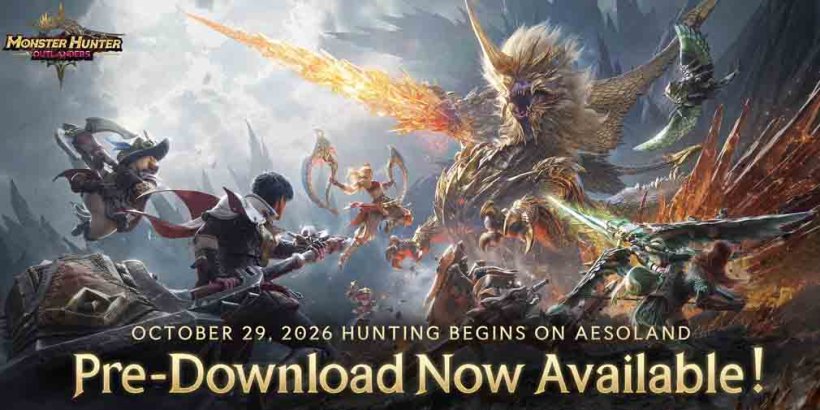
The wait is almost over! We've been keeping a close eye on the exact server opening times for a few weeks now, and finally, we can lend you a hand with how to pre-download Monster Hunter Outlanders so you can dive into Aesoland and get first dibs the moment the servers open.
How to Pre-Download Monster Hunter Outlanders
All you really have to do is head on over to the official website and choose your platform on either iOS or Android, then hit "Install" to get that sweet, sweet MH Outlanders pre-download on your phone. Keep in mind that there are different clients depending on your region, as data can't be shared across the SEA and the global versions.You can start downloading the data - and it's pretty massive - while the servers haven't opened yet. I've also got the lowdown on the system requirements, download size, and recommended specs for each device, so you can prep yourself ahead of the launch.
Given the download size of 16GB for Android and 20GB for iOS, it's safe to say you'll need to free up a huge chunk of space on your phone if you haven't done so already. I'd recommend doing so when you're connected to WiFi if you don't want to run out of data!
Of course, if you've already pre-registered, you should now have the game automatically pre-installed on your device as a nice little surprise. Just pop it open and continue the download, and you'll be good and ready for tomorrow's launch.
And that's it for the MH Outlanders pre-load info! While you wait, you might want to know if controller support is a thing, or figure out whether or not MHO is pay-to-win. Have a look at Shaun's preview of Monster Hunter Outlanders too if you just can't wait 'til tomorrow!


