

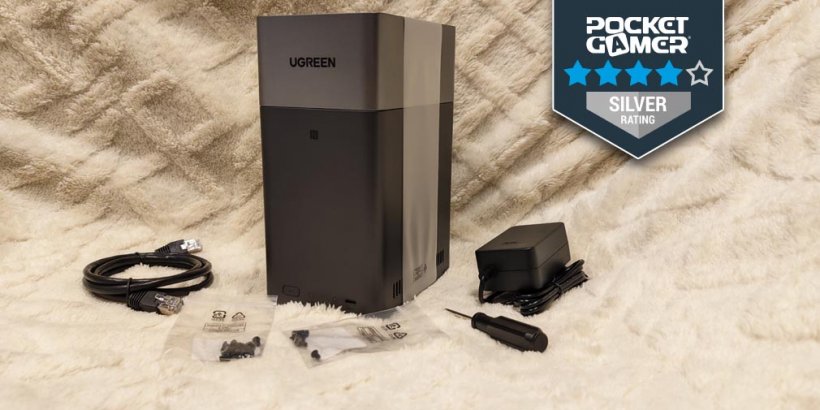
- Sleek and simple NAS for newbies
- Quiet, doesn't run hot, and is easy to set up
- Still needs some basic research and backup nudging to sync
In late March, I experienced one of the worst tragedies that could ever befall anyone who loves mobile games.
It all began as a day like any other - the sun was shining, the birds were chirping, and my phone was chiming away its daily alarm to gently nudge me out of bed. But there was something in the air that day - not quite steady and not quite sure - that made everything feel unsettling. A glitch in the matrix, a wrinkle in time, a terrifying truth lurking just beneath the surface.
And when I tried to install a game I needed to play for work, a notification popped up that told me something was terribly, terribly wrong.
I couldn't install the game. I had run out of storage. And my life, as I knew it, was over.
It was a dark and stormy night
I'm obviously being exponentially melodramatic here, but that's just to stress how important phone storage is, especially when I do what I do. And this isn't the first time, either - I've had to purge my phone a few times in the past just to make space for new games I needed to install. And with RPGs and open-world adventures getting larger and larger, having just enough storage space to get by simply doesn't cut it anymore.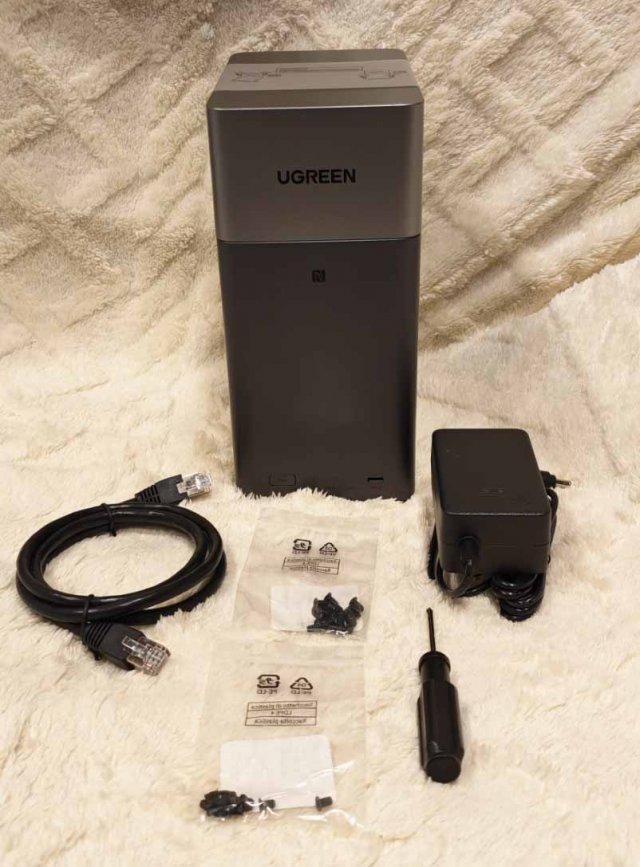
Imagine my utter delight when the folks over at Ugreen offered to send me a NAS - or a Network Attached Storage, for complete noobs like me - to help me with my tragic woes. And imagine my utter horror, too, because as I mentioned, I'm a total newbie and know absolutely nothing about this overwhelmingly intimidating world.
But Ugreen came knocking at precisely the right time, because April 15th was my due date to pay for another year of Google One - and with me trying to tighten my belt lately, I had absolutely no plans of renewing the exorbitant annual price.
I was literally transferring all my files and backing them up just to remove them from the cloud day in and day out, and not only was it extremely stressful, but it was also using up time I could spend on something else.
This long-winded intro simply means the NASync DH2300 was a godsend at the time, especially since it's supposedly targeted for aforementioned newbies like me. So as soon as it arrived on my doorstep, I unwrapped the box, flipped open the manual, and plugged it in - and so my newbie NAS-ing began.
Plug and play…ish
To give you an idea of just how much of a noob I am, this is actually the first time I've ever had to screw any hard drives into anything. You'll have to buy your own HDDs, by the way, whether that's 2.5-inch ones or 3.5-inch ones. Thankfully, the package comes with corresponding screws and a mini screwdriver too, so all you'll really have to do is align the hard drives onto the trays and screw them in place.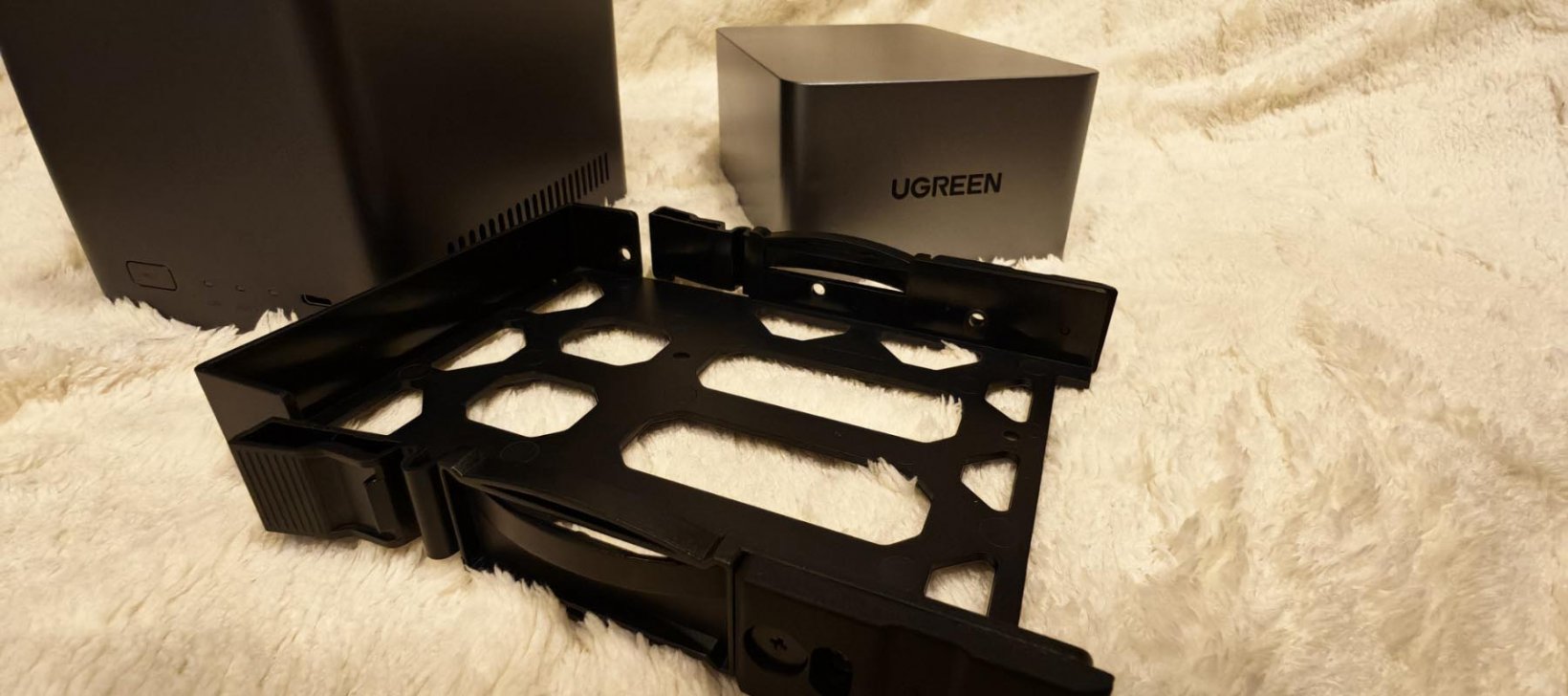
Then, it's a simple matter of slipping the trays into the thing, covering it with the magnetic top, and plugging it in. I felt like MacGyver after it (silently) whirred to life, telling me I did something right and that it's all up and running.
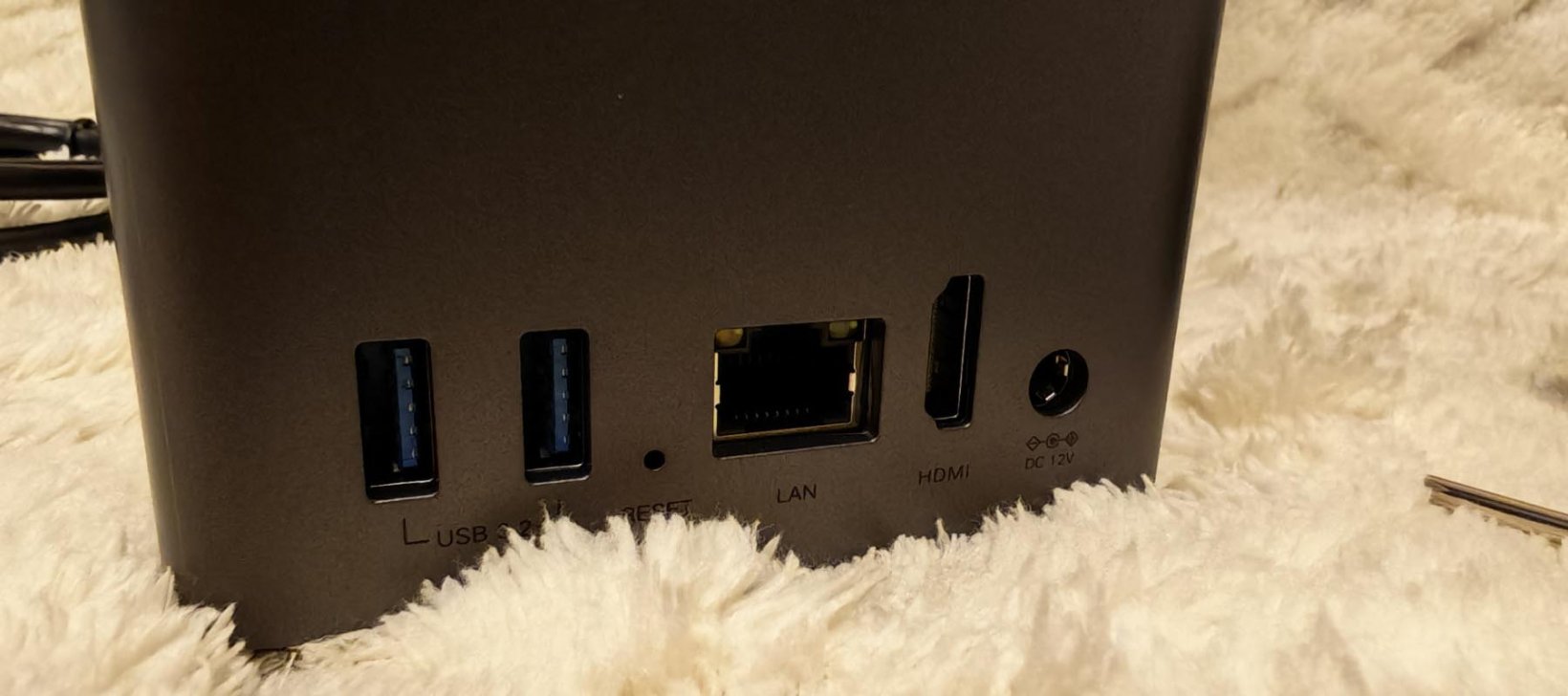
There's one USB-C port in front and two USB-A ports in the back, with the LAN port, HDMI port, and power supply all lined up nicely in there, too. All I did was plug in the power supply and the LAN using the included cable to get it working. The instruction manual was short and sweet because essentially, all you really need to do is install the Ugreen NAS app to start tinkering around with it.
But while setup was extremely easy, navigating through the app was less so, mainly because the system probably underestimated just how little I knew about all the bits and bobs of network storage - and I'm assuming it's not just me.
The backup woes begin
The thing is, Ugreen is advertising the NAS as a complete replacement for cloud storage, which means it needs to perfect the art of auto-syncs to make it a get-and-forget kind of deal. It's not a matter of how much storage it can hold - you can supposedly store up to 60TB in there, even though I only had two 4TB HDDs - but rather, it's how well it can back up your data without you having to micromanage every single thing.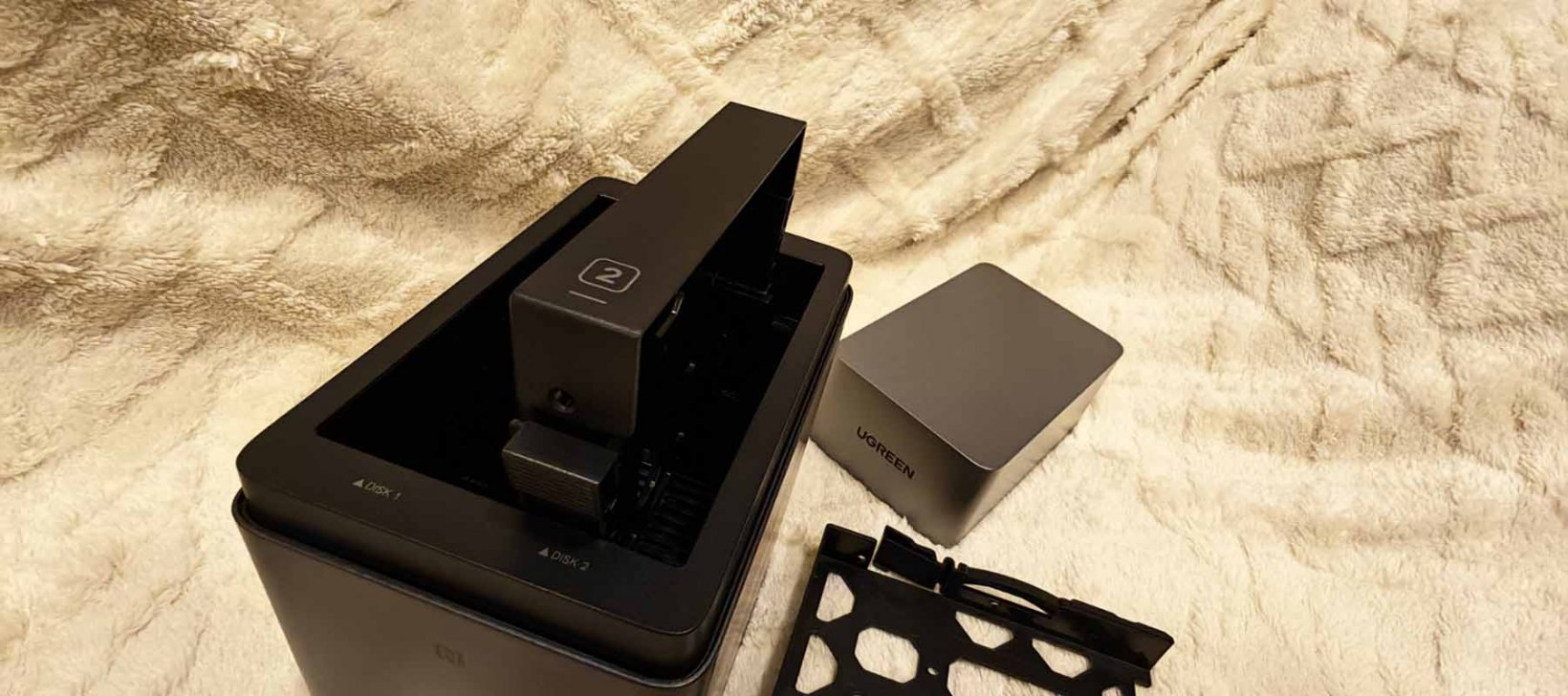
But I'm getting ahead of myself. When you first install the app, it'll prompt you to choose the type of storage you want - there's apparently the RAID stuff where you can either use the whole capacity of your two hard drives or separate them so that one backs up the other as a fail-safe.
The explanations here aren't too idiot-proof, to be honest, as I had to do a bit of Googling myself to understand what any of the stuff means.
Then, after the initial setup, I also had to install a few more apps from its App Center (which I had to research separately) for my intended purposes. I imagine anyone who's even less tech-savvy than I will have a hard time fumbling through the interface, especially when alien-language-esque things like the SMB service, FTP service and WebDAV service come into play. It also took an ungodly amount of time to back up my phone, because it's really only limited to my WiFi speed at home.
In any case, for the simple matter of backing up photos alone to free up phone storage, the app does its job. You can sync and back up everything on your albums, but try as I might, I just couldn't get it to back up in the background despite following all the instructions. It supposedly doesn't work with all Android systems, but even when I tried it on my husband's iPhone, it wouldn't auto-sync in the background either.
Instead, you'll have to open the Ugreen app each time to push the backup into syncing. And while I don't mind needing to do that each time - especially since it's cheaper than a premium cloud storage account - it's not exactly a "replacement" for Google One.
A godsend for my phone nonetheless
That said, for my sole purpose of needing to free up storage on my phone so that I can install more games, it certainly delivers. It's also a complete lifesaver, because when April 15th rolled around, I no longer needed to renew my hefty Google One subscription thanks to the Ugreen NASync DH2300.I suppose you'll simply have to manage your expectations with everything it's advertising. Yes, it's fast, but it's only really as fast as your home network. Yes, it's convenient, but you still need to do your part to back things up when needed. And yes, it's beginner-friendly, but it's not the most idiot-proof setup in the world, and you'll still need to do due diligence when researching NAS in general.
But in my case - given how my phone was almost ready to give up - the Ugreen NASync DH2300 certainly saved me when storage woes were interfering with me doing my job. And at its affordable $199.99 price tag, that's definitely value for money.
Ugreen NASync DH2300 review - "Storage master for the newbie NAS-er"
The Ugreen NASync DH2300 is a beginner-friendly storage solution that even complete noobs like me should be able to handle. It helped free up my phone storage to make room for more games. So it definitely does as intended - but I guess while the hardware is solid, the software still leaves room for improvement.


Catherine Dellosa
Catherine plays video games for a living and writes because she’s in love with words. Her Young Adult contemporary novel, For The Win: The Not-So-Epic Quest Of A Non-Playable Character, is her third book published by Penguin Random House SEA - a poignant love letter to gamer geeks, mythological creatures, teenage heartbreak, and everything in between.
She one day hopes to soar the skies as a superhero, but for now, she strongly believes in saving lives through her works in fiction. Check out her books at bit.ly/catherinedellosabooks, or follow her on FB/IG/Twitter at @thenoobwife.