

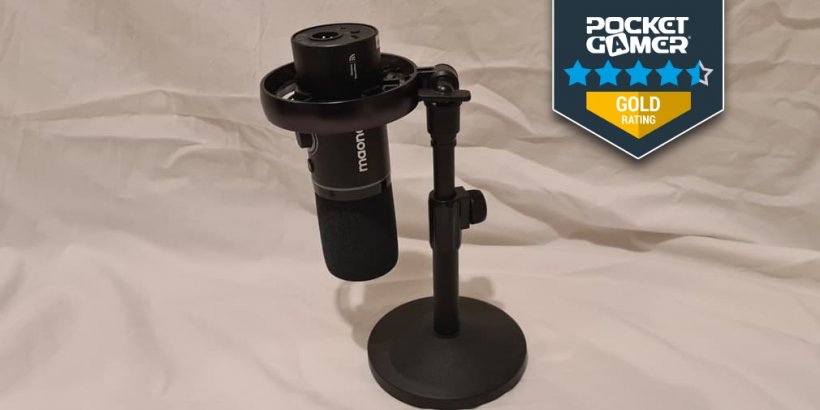
- Maono's latest pitch to would-be podcasters is the Maono PD200W
- And feature-wise, it's a simple but comprehensive package
- But how does it measure up for other purposes, as well as podcasting?
It seems that nowadays everyone has a podcast. I mean, I can’t talk, given that we host the Pocket Gamer Podcast right here on the site. But if you want to get into recording yourself, where do you start? Trick question, because a good audio setup is essential. No one wants to listen to something that sounds like it was recorded via copper wire.
With that in mind, one of the more recent opportunities to cross our desks was the Maono PD200W. Billed as a microphone for mobile podcasts, it can also do more than that. So I was curious to find how it would work for someone who does have to podcast for work, but would be using it for recreation too.
Box Contents
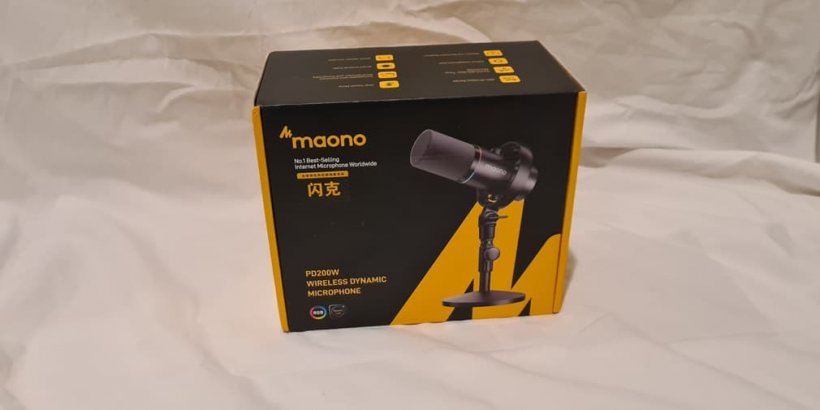
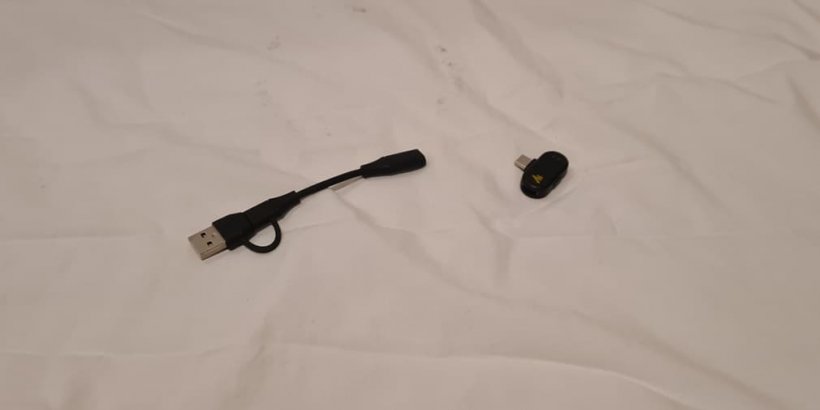
The Maono PD200W comes packaged in a sturdy box, with plenty of accessories to fit your preferred setup. As standard, it comes packaged with both a wired and wireless option, in my case, a USB-C transmitter and USB cable. Although if you fancy hooking it up to a more traditional audio jack, there are options for that too with an XLR port in the back.In my version, I had the more consumer-friendly desktop stand. Since I tend to really only use voice communications for multiplayer gaming (and recording the podcast), the low footprint and sturdy construction were quite welcome. But a more 'pro' boom mic version is also on offer.
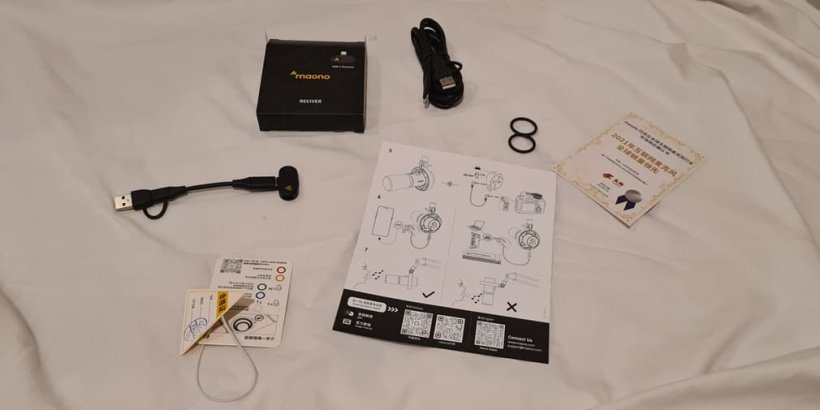
My only gripe with the box contents is that you only get a visual manual rather than something more detailed. It’s easy enough to find the English-language PDF of the manual with the included QR code on the sheet, but it can be a bit confusing and makes figuring out how to even charge it a bit of a hassle.
It’s not difficult to figure out, of course. But for someone like me who likes to read and reread as much as possible to avoid making any mistakes, it’s one annoying omission. Fortunately, as I said, it’s easy enough to either muddle through or find a full manual to flick through at your leisure.
Initial Thoughts
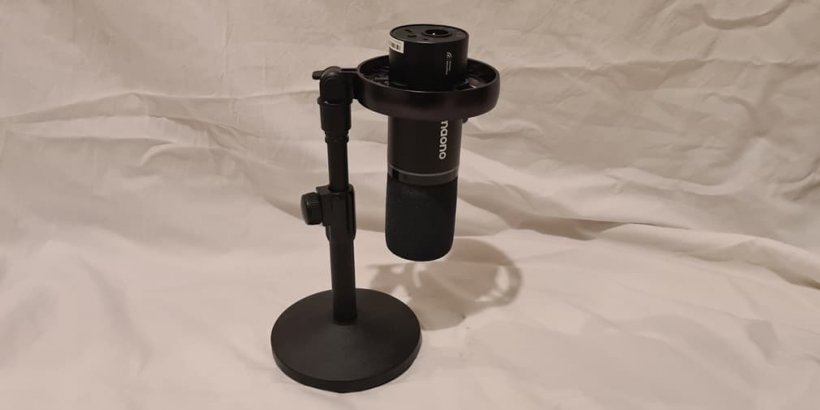
The design of the PD200W is quite minimalist. No excessive RGB here, which I personally quite like. It’s a simple black metal construction which seems quite sturdy. The base of the microphone stand is reassuringly heavy too, ensuring a stable footing on the desktop.The fact that it comes with a shock mount (I think I’m using that term right) as standard is also quite neat. It’s a quick way to make the PD200W stand out from the crowd, and it helps reduce issues with recording you might have with more basic mics.
Setup Process
Since we’re a mobile site (shocking, I know), I decided to try out the PD200W with my Samsung S20 after verifying it worked out of the box with my PC. This is an older phone, but not a derelict one, and it also comes equipped with a USB-C slot. It gave me a good opportunity to test out how easy it is to set up alongside other audio equipment, as I often use my Bluetooth headphones pretty much all day.Setup is fairly simple. You need to initially pair the transmitter and microphone, and this is as simple as holding the button for the stated amount of time. From there, you can switch it to other devices and continue using it.
When initially enabled, you’ll find that the speakers on your phone or PC go silent. It’s a simple matter to either switch audio devices in settings for the latter, or switch on your speakers-slash-normal audio output with a tap of the button on the bottom of the transmitter.
General response to my initial use was that it massively improved audio quality when I was chatting with my friends, and it was easy to use even for phone calls.
I admit the one thing that really confused me was the charging port on the side of the adaptor. Why would something this small need charging? But again, tucked away in the small print of the manual, it notes this is actually to allow you the convenience of charging your phone while you record without needing to unclip the dongle. A neat little feature, for sure.
Speaking of setup, the base of the microphone is an excellent addition. It lets it sit solidly in place on even my wobbly little desk. And again, the shock mount means even an inadvertent bump to this sturdy setup won't cause any noticeable audio issues.
Audio Quality
This is one area where I’m not altogether qualified to make a judgment. So if you want to know the specific pitches, or echoes or whatever, then I’ll have to beg your pardon. What I am judging it on is whether the PD200W is a credible upgrade over my piddly little headphone microphone from Logitech (sorry guys, but it's the truth).And in that regard, it definitely is. The ability to tweak the microphone’s sensitivity by twisting the knob, as well as being able to mute with just a touch, makes it quick and convenient for chatting with friends on Discord. And while it may be a bit much to break it out for a phone call, overall, it provides a much higher quality than a headset microphone by its very nature.
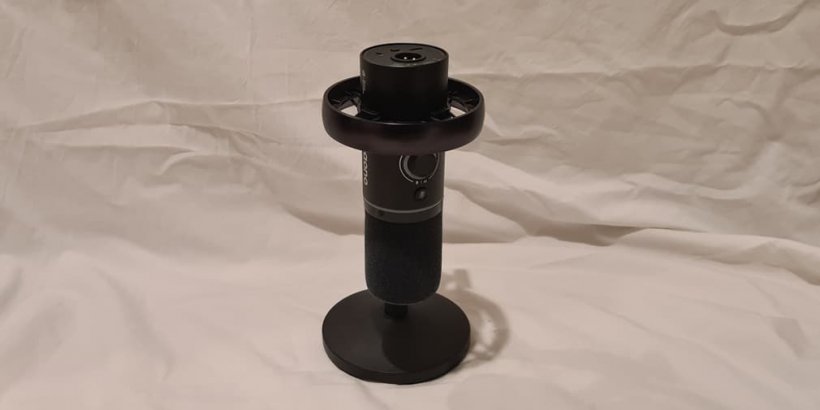
For audiophiles out there, there’s options that give the PD200W further flexibility. Like an XLR jack if you have a more professional setup. As for professional recording, I've started using it for recording the official Pocket Gamer Podcast. So if that's any indication, I think prospective podcasters will find it works great for its intended purpose.
Why get it for mobile?
Of course, given we’re a mobile-focused site, you’re probably wondering what makes the PD200W stand out from competitors. Well, in truth, there’s a huge variety of options when it comes to audio quality out there, so you’d need to focus on aspects such as functionality and convenience to stand out.In this regard, the PD200W actually performs quite well. The simple plug ‘n play nature of the USB-C connector means you can hook it up to your phone, set it down and then make use of the microphone for audio recording quite easily. And the bundled peripherals mean that if you want to switch over to a PC or laptop, it’s as easy as using the USB adapter.
The fact that it isn’t Bluetooth may turn some people away. But personally, I found the use of a wireless transmitter more convenient. A simple tap of the button at the bottom of the plugin will reactivate the speakers to let you easily use Bluetooth headphones while recording.
And it goes without saying, if you have an iPhone, it’s easy enough to grab a version of the mic that comes bundled with a cable suitable for your chosen device instead of USB-C.

Final thoughts
The PD200W is a difficult beast to critique. Mainly because there’s nothing at all wrong with it. It’s entirely down to the buyer whether the PD200W meets your requirements. And those requirements mean you'd want good audio quality either for recording, podcasting or simply for that 'deluxe' voice-chat experience.The Maono PD200W is also versatile enough that you can switch to using it for chatting with friends online. And while it may be a little bit much for online gaming, there’s no reason you couldn’t make use of it in that way if you were already aiming to buy one of these.
At a RRP of $99.99 for the base model and $109.99 for the version featuring the boom mic stand, the PD200W isn’t the cheapest on the market, but it’s still very reasonably priced.
That, in my mind, is the overall strength of this device. It’s versatile, does what it sets out to do and a little more besides. If you’re a dedicated audiophile, then yes, it may not be perfect for you. But for the layman, like myself, there’s no reason not to give it a go if you're on the hunt for a mic to get started with.
Addendum: I received a quick email from the folks at Maono who told me that due to shipping issues, the version I received didn't have a manual. The manual (the same as the one available digitally) will be available in retail versions.
Maono PD200W microphone review - "A versatile all-rounder with an attractive price tag"
There's not much to say about the PD200W, but in a good way. If you want professional-level audio recording with a few neat features in an affordable, well-built package, then the Maono PD200W is a great pick for podcasting, audio calls or (if you're feeling fancy) gaming too.


Iwan Morris
Iwan is a Cardiff-based freelance writer, who joined the Pocket Gamer Biz site fresh-faced from University before moving to the Pocketgamer.com editorial team in November of 2023.