Dissidia Duellum Final Fantasy beginner's guide - Five top tips for saving Tokyo

- Dissidia Duellum Final Fantasy offers an exciting new take on the franchise
- Battle it out in competitive 3v3 fights against both other players and monsters
- Read on through our beginners tips 'n tricks to get started!
Dissidia Duellum Final Fantasy is perhaps one of the strangest entries I’ve seen for the hit JRPG series, especially on mobile. Rather than being set in a far-off fantasy world, Dissidia Duellum takes your favourite Final Fantasy characters to none other than modern-day Tokyo. Pitted against invading evils, it’s up to you to form a team of heroes with the likes of Cloud, Lightning and the Warrior of Light to save the city.
Phew, that sounds like a tall order, right? Well, don’t worry. Because I’ve got five beginner tips here to help you get through the basics if you’re a beginner, or a refresher for any returning players!
So, read on and find out how to get started with Dissidia Duellum Final Fantasy.

Tip #1 - The Basics
Dissidia Duellum Final Fantasy is a sort of co-operative, competitive auto-battler. You’re dropped into an arena with a team of three characters, with yourself playing one, and have to fight classic FF monsters gathered around large floating crystals. Your objective is to slay the monsters, purify the crystals and gather enough Bravery from them and from defeating enemies to beat the boss, which appears after a period of time.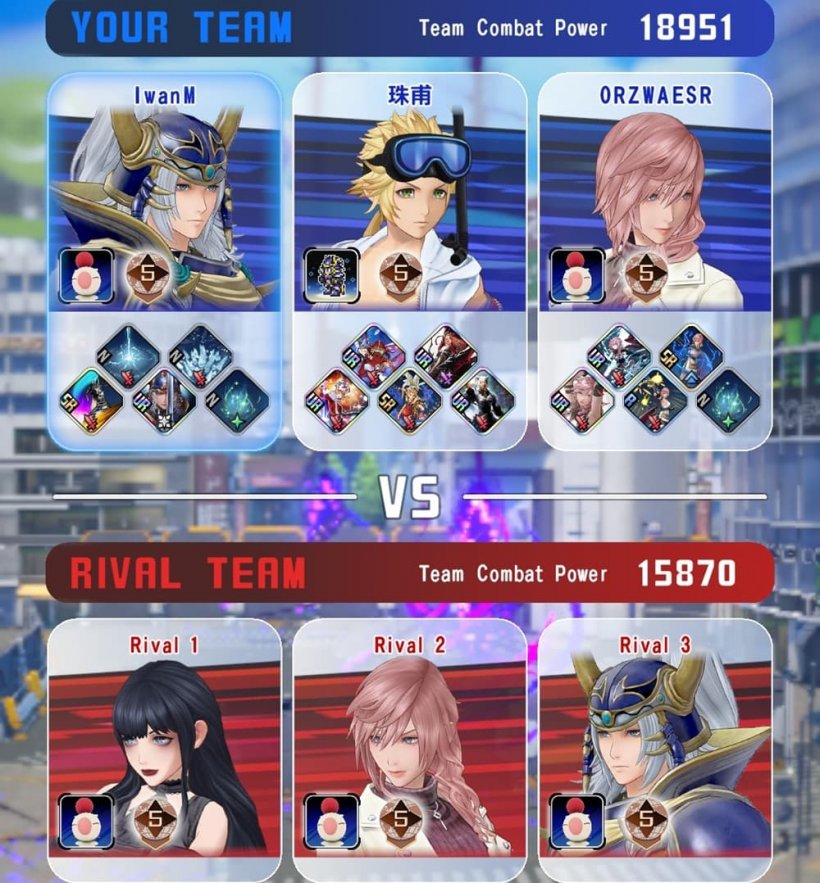
In terms of controls, all you need to do is move your character with your thumb and approach an enemy, where they’ll start attacking automatically. You also have a number of abilities shown at the bottom of your UI, which you activate by swiping upwards. Tapping quickly inside the movement pad will also increase the speed and power of your regular attacks.
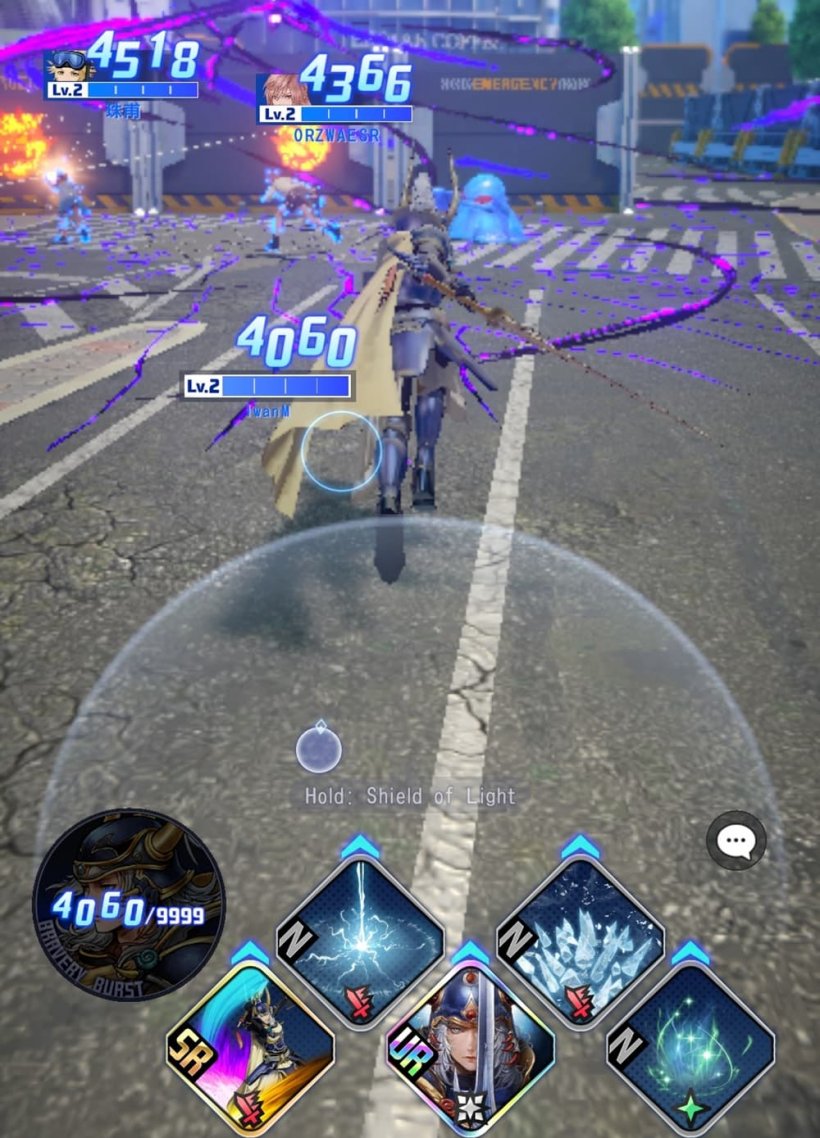
Bosses are much stronger than regular enemies, of course, so you’ll need to activate an ability called Bravery Burst to have a chance at beating them. This is why you need to gather enough Bravery to do so, and once you activate the ability all your regular attacks are empowered. This is a limited-time effect, though, but it can be prolonged by activating your special abilities in sequence. So try to have them all ready to activate before you hit Bravery Burst.
Tip #2 - Make good use of your free draws
After finishing the tutorial stage, you’ll gain access to two types of free draws. One is for abilities, and the other is for heroes. What makes these draws stand out is that you can freely reroll them! Yes, no need to redownload the app if your early draws aren’t satisfying enough. Instead, you simply hit the Retry button as many times as you like.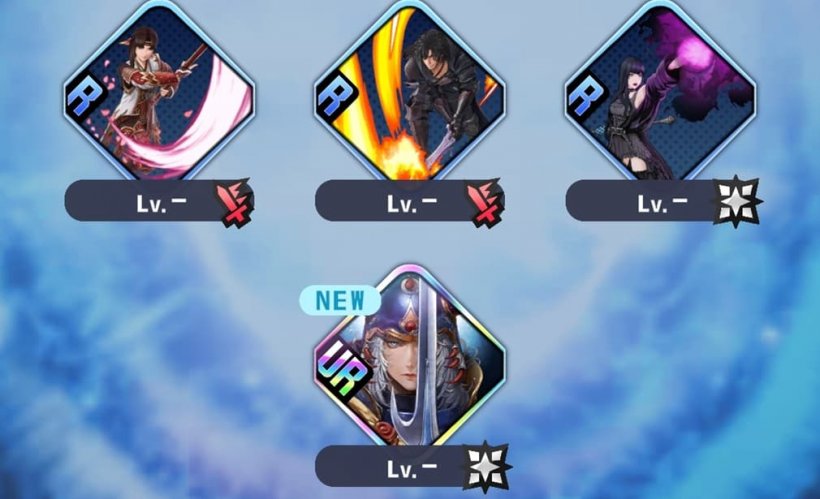
Most abilities can be shared between characters. However, some will note that they can only be used by a certain hero. Naturally, you’ll want to aim for those which your starting character can use, although in my experience you were made to do the ability draw first, so try to get one your starting hero can use.
Tip #3 - Don’t sweat your starting character
Dissidia Duellum has some surprising quality-of-life features for a mobile game. One of the most welcome allows you to select your starting character from a small roster right at the beginning. This features the Warrior of Light, Cloud Strife, Lightning and Terra Branford, and you can freely select one of them to lead your team at the start, including which outfit (classic or casual streetwear) they're clad in.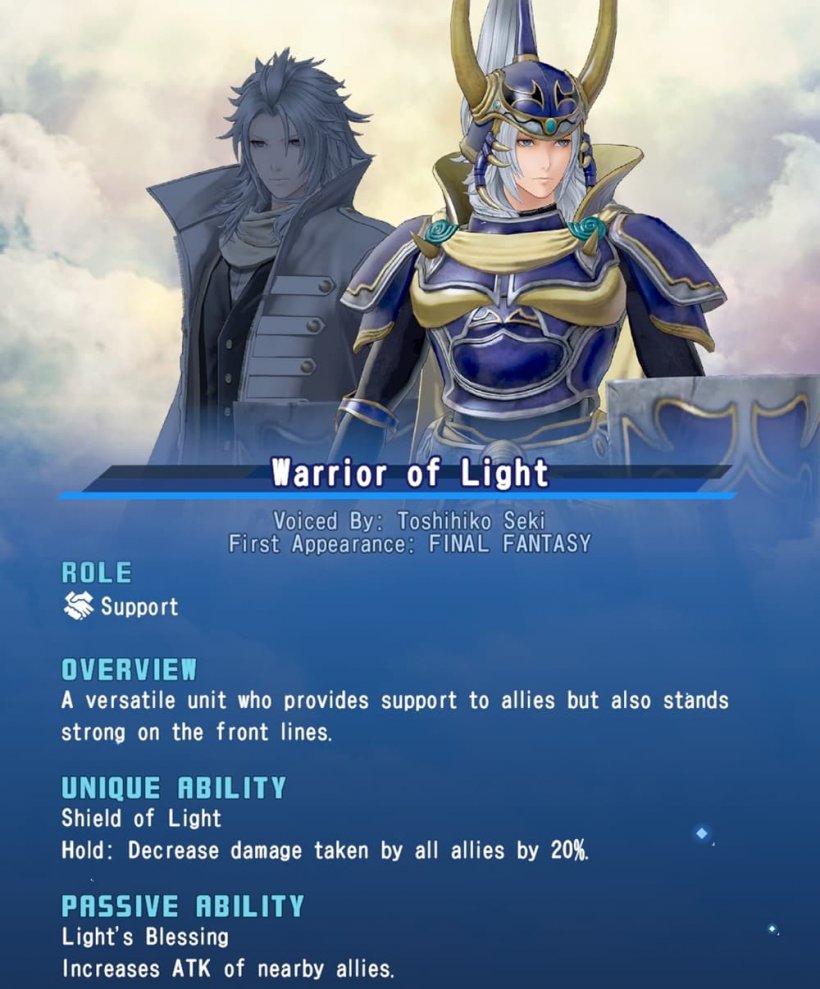
Don’t sweat this too much, as you’ll soon be drawing new characters, so even one that doesn’t fit your playstyle won’t be much of an issue. Personally, I chose the Warrior of Light as I’m quite fond of his retro-style armour, and his ability to grant teammates a shield as a regular ability (by holding down on the movement pad) can be quite helpful.
Tip #4 - Watch the tutorials
Now, we can’t cover everything in a brief beginner’s guide such as this. However, the in-game tutorial does a pretty good, albeit brief, job of giving you the basics. What’s most helpful is the series of videos taking you through the basics of battling and how they work. Of course, you’ll probably want to head through and make your way to the meat of the action, and I don’t blame you.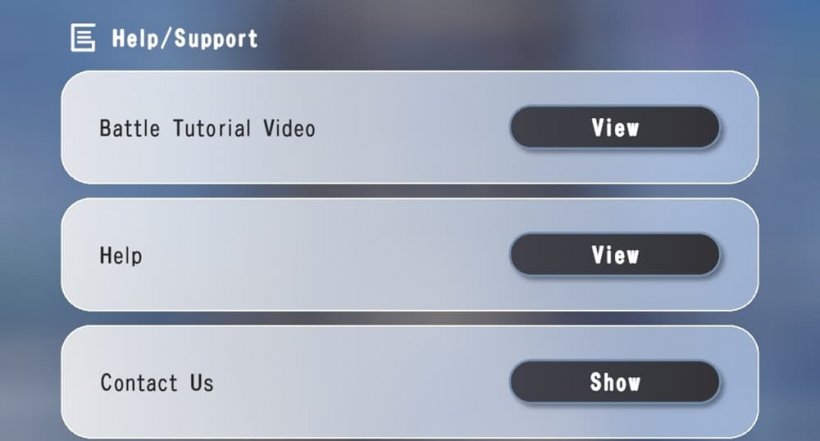
Fortunately, you don’t need to feel pressured to keep watching them. Simply head to the settings menu and go to Help, and you’ll be able to both go through the entire battle tutorial video again, as well as check definitions and explanations of various other aspects of the game, such as abilities.
Tip #5 - Go it solo
The tutorial battle can give a bit of a false impression of exactly how demanding Dissidia Duellum can be. I found that even jumping into Casual Battles, I was taking on other players who were at a much higher level of power than I was (although this isn’t the case in ranked) and that the controls were a bit tricky to get the hang of.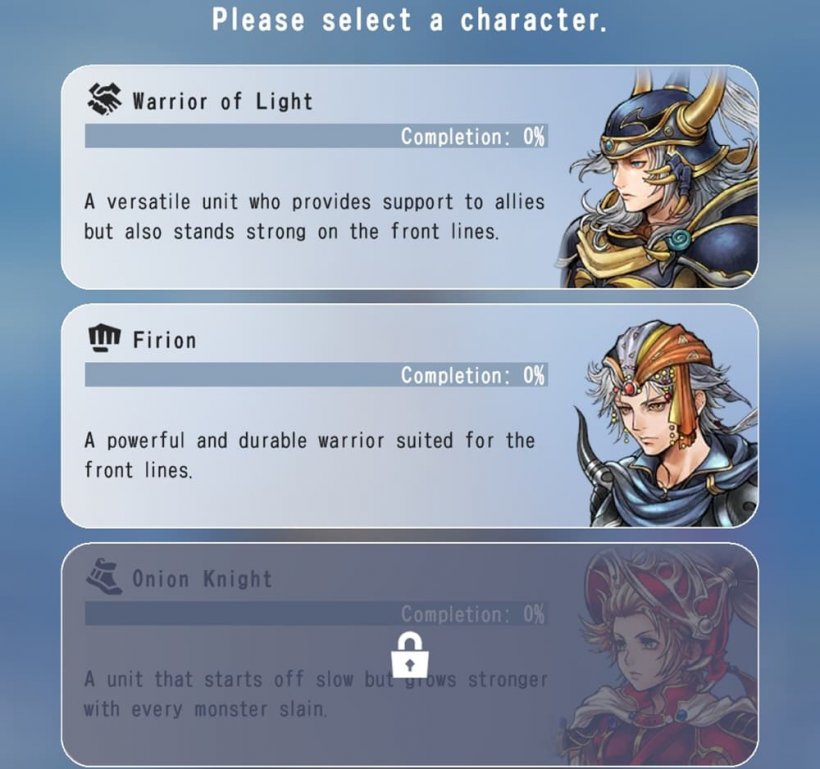
If you want to be able to hone your skills without necessarily breaking your thumbs off in competition, why not check out the Challenges section? These can be played single-player and offer ways to boost your characters, such as through Job Medals, and are a good way to get to grips with the controls and other systems without rising too much in ranked or casual.
And if you need even more tips, why not check out our Dissidia Duellum Final Fantasy tier list? There, we've ranked all your favourite heroes in one place, so you can decide which you're going to try and draw next.


