Tired of cable clutter? The iDock B10 could be the answer, according to AV Access' performance tests
AV Access takes its docking station through its paces
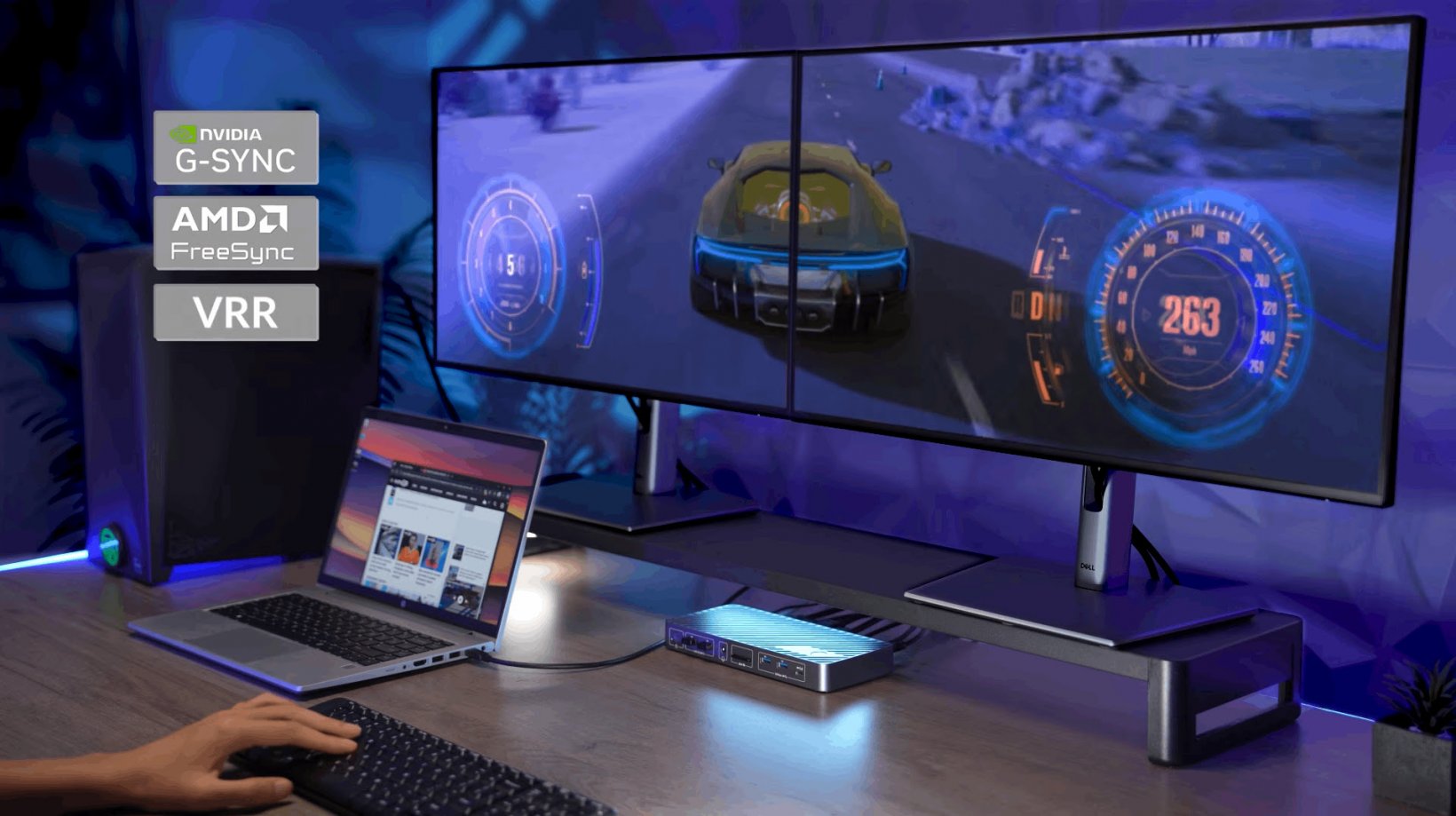
As the growing popularity of emulators sees more mobile gamers bring their favourite on-the-go titles to the comfort of a desktop setup, one problem still remains: desk space. Or, more specifically, the tangle of cables that comes from trying to balance work and play in the same spot.
That's where AV Access thinks it has a solution. If you're constantly playing cable roulette between a work laptop and gaming PC, the company's iDock B10 KVM docking station aims to make switching between the two far less of a hassle. To back up those claims, AV Access has shared the results of its own hands-on testing.
According to AV Access, the iDock B10 was put through its paces in a dual-system setup featuring a high-end Windows gaming PC, an HP business laptop, two 4K 165Hz gaming monitors, plus a shared keyboard, mouse, headset, network connection, and USB storage.
The headline result? The dock reportedly managed dual 4K displays running at 165Hz with NVIDIA G-SYNC enabled on a desktop powered by an Intel Core i7-13700K and an RTX 4080 graphics card. During the testing period, AV Access says it didn't encounter display blackouts, signal dropouts, or disconnects affecting the shared USB peripherals.
For anyone who spends the day answering emails before immediately launching into a ranked match after work, that's the kind of setup the company is aiming at. Rather than juggling monitor inputs and unplugging peripherals every evening, the idea is that everything stays connected while the dock handles the switching.
The attached work machine in testing was an HP ProBook 440 G8 with Intel Iris Xe graphics, connected over a single USB-C cable that carried video, data, networking, peripherals, and laptop charging. AV Access says the laptop successfully drove a mixed dual-monitor setup consisting of one 4K 60Hz display and one 1440p 60Hz display.
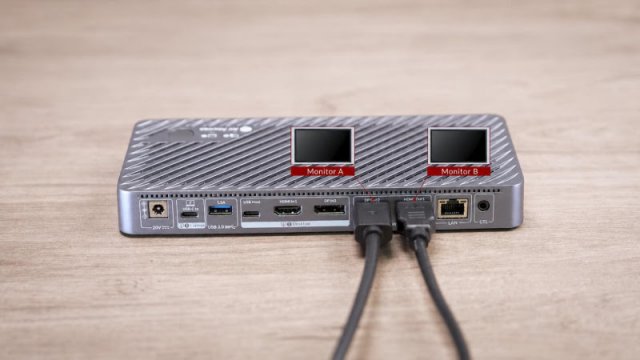
The company also lists support for a range of other display configurations, including single-monitor gaming at up to 1080p 240Hz or 1440p 165Hz, dual 8K 60Hz output with compatible DisplayPort 2.0 cables, and USB-C laptop output up to 4K 165Hz over HDMI using Display Stream Compression (DSC).
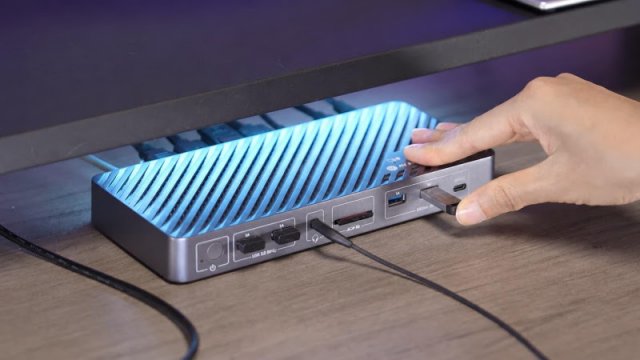
Beyond the display specs, AV Access says the dock kept shared peripherals—including a keyboard, gaming mouse, and USB headset—working reliably when switching between systems several times a day. One caveat is that the iDock B10 doesn't use EDID emulation, meaning monitors briefly reconnect whenever you switch devices. In practice, the company says displays took a few seconds to return, though a wired remote switch means you won't need to crawl behind your desk to swap systems.
The dock also includes up to 100W USB-C Power Delivery, 10Gbps USB ports, Gigabit Ethernet sharing, an SDXC card reader, 3.5mm audio, and additional USB expansion ports.
So, if your desk currently resembles something reminiscent of spaghetti junction, the iDock B10 could be an appealing way to enjoy productivity and play with far less hassle.